AI Video Prompt Engineering in 2026: The Definitive Guide to Creating Cinematic Video Clips, Consistent Characters, and Lip-Sync with DX Builder
Written by Video Director at DX Builder • Updated on July 27, 2026
Summary / TL;DR: Creating videos with AI in 2026 is no longer a matter of luck with random prompts. To achieve cinematic quality without face distortions or camera shake, the initial art direction must be rigorously separated from motion physics and audio. In this practical guide, we show the exact prompt architecture we use in DX Builder to generate professional video clips and films.
1. The AI Cinema Revolution: The End of "Melted" Faces
If you've tried generating an AI video with traditional tools, you've likely encountered the same problem: the character's face changes between shots, the camera stutters, and hands appear to have six fingers. In 2026, prompt engineering has evolved to solve this with mathematics and divided pipelines.
In DX Builder, we don't try to solve everything with a single text command. Instead, we divide creation into three independent layers:
- Layer 1 — Identity & Lighting (First-Frame Locking): The face and clothes are generated and frozen in an ultra-detailed 16:9 image.
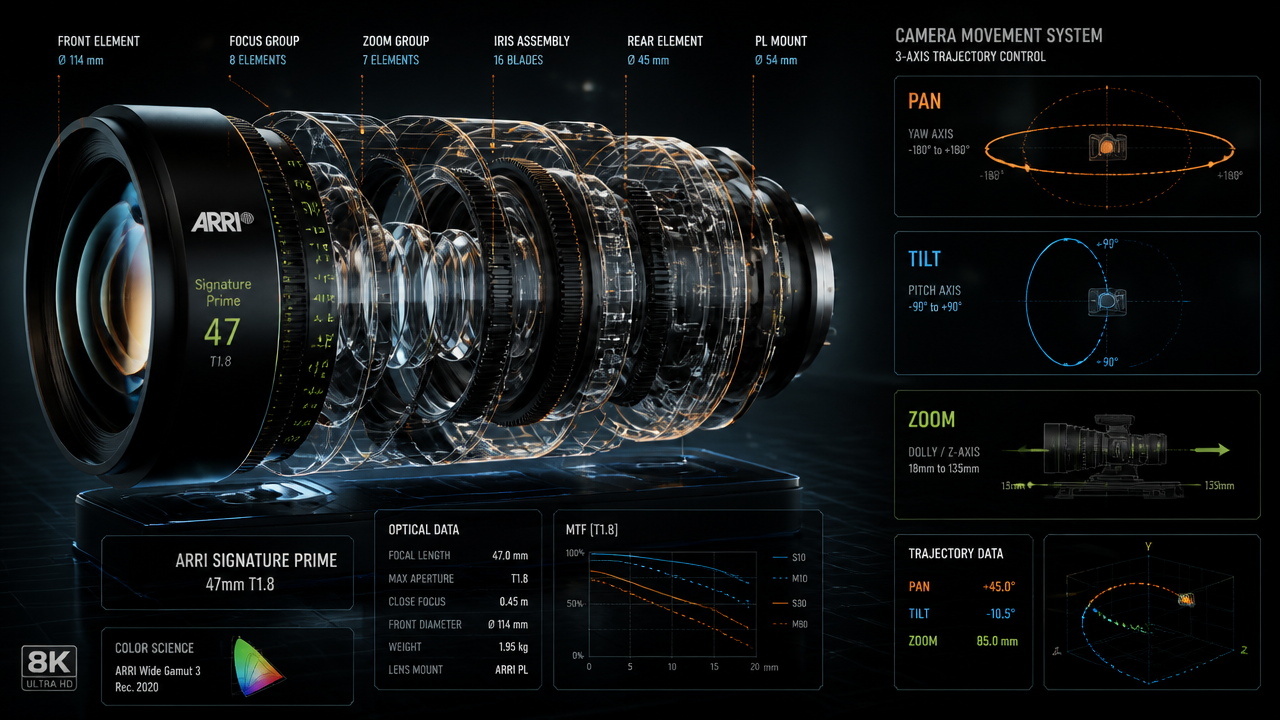
- Layer 2 — Camera & Motion Physics: The video prompt guides only the lens speed, focus angle, and actors.
- Layer 3 — Native Sound & Lip-Sync: Voice directives and cinematic audio are injected at render time.
2. The 3 Golden Rules for Professional Video Prompts
Rule #1: The Video Prompt Should NEVER Describe Clothes or Hair Colors
This is the #1 mistake 90% of creators make. If your initial image already features an actor in a black leather jacket, do not write "man in black leather jacket" again in the motion prompt. By repeating the visual description, the engine attempts to redraw the details from scratch, causing the dreadful face-morphing.
Correct Example: Describe only the movement: Slow 85mm push-in, character turns head towards camera with intense glance, volumetric rim lighting.
Rule #2: Use [AUDIO] Instructions for Native Lip-Sync
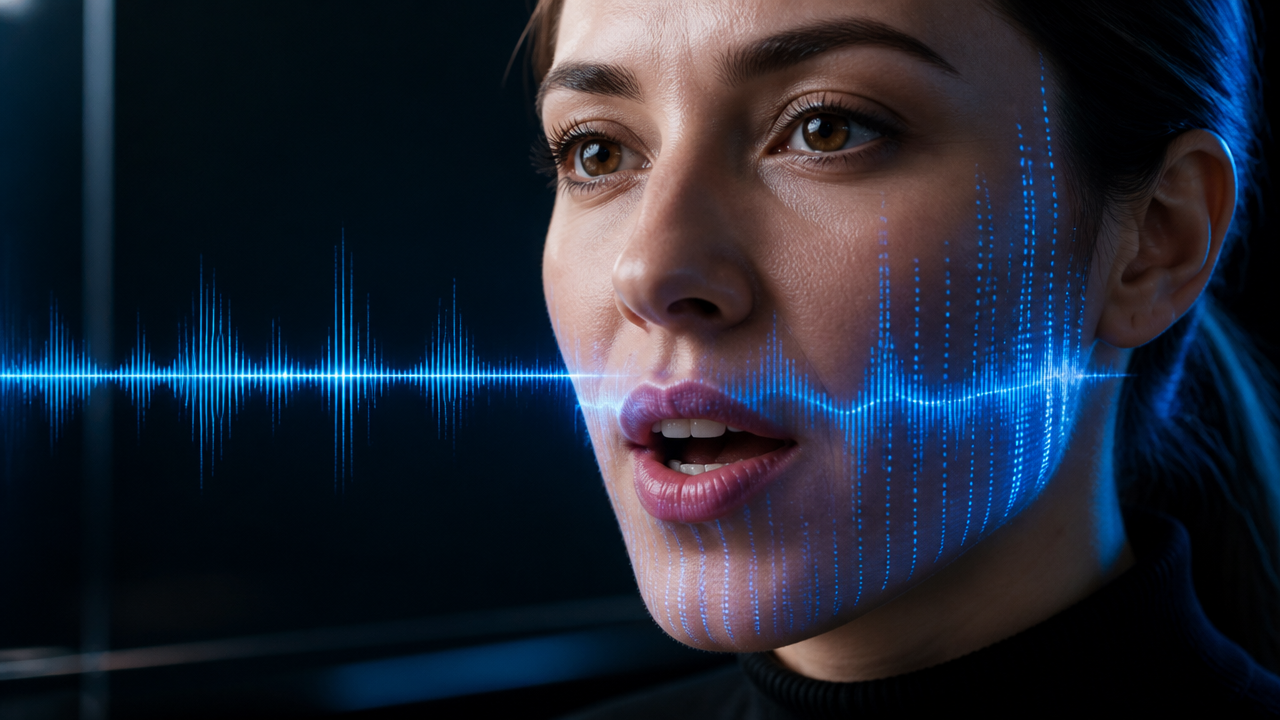
In DX Builder's latest generation engines (such as Seedance 2.0 and Grok Imagine 1.5), you can pass direct audio cues within the video prompt without having to edit audio in external software:
[AUDIO: crisp male dialogue "We need to leave now", cinematic bass riser, heavy rain ambience]
3. Engine Comparison: Which One to Choose in DX Builder?
Each studio in DX Builder allows you to select the ideal engine according to your production goal:
| Integrated Engine | Resolution | Duration | Ideal Use Case | Audio Type |
|---|---|---|---|---|
| Seedance 2.0 (IR2V) | 1080p Full HD | 4s - 15s | Action Scenes, Trailers & Multi-scene Combat | Background Sounds & Synchronized SFX |
| Hedra Lip-Sync (Omni) | 1080p HD | Up to 60s | Talking Avatars & Impactful Monologues | Clear Voice with Exact Lip-Sync |
| Grok Imagine Video 1.5 | 1080p HD | 6s - 10s | Cinematic Landscape Shots & Slow Motion | HD Ambiance Audio |
| Kling AI Video 3.0 | 1080p HD | 5s - 10s | Stylized Animations & Special Effects | Post-Production Soundtrack |
4. Practical 1-Click Workflow
Want to put this into practice immediately without having to configure complex parameters? Explore our dedicated tools:
- 🎯 If you want to use pre-configured visual templates, access the 1-Click Presets Studio.
- 🎵 If you need to create the original soundtrack for your video, visit the Music Studio.
- 👤 If you want to ensure your character maintains the same face across all episodes, configure it in the Character Sheets module.
- 🎬 To explore free creation with cinematic lenses, open the Video Studio.
5. Frequently Asked Questions (FAQ)
How can I try DX Builder for free?
All new users receive trial credits to explore the Image, Music, and Video studios. You can view packages and plans on the Plans & Pricing page.
Can generated videos be used for commercial purposes?
Yes. All videos, music, and images generated in DX Builder with a registered account belong 100% to you and can be monetized on YouTube, TikTok, advertising campaigns, or for agency clients.
Is it possible to export videos in 4K?
Yes. DX Builder includes a native Video Upscaler tool that enhances the resolution of your clips to 4K at 60fps with professional sharpness.