DX Builder
DX Builder
Back to Presets
🔥 TikTok⏱️ 30s – 60s

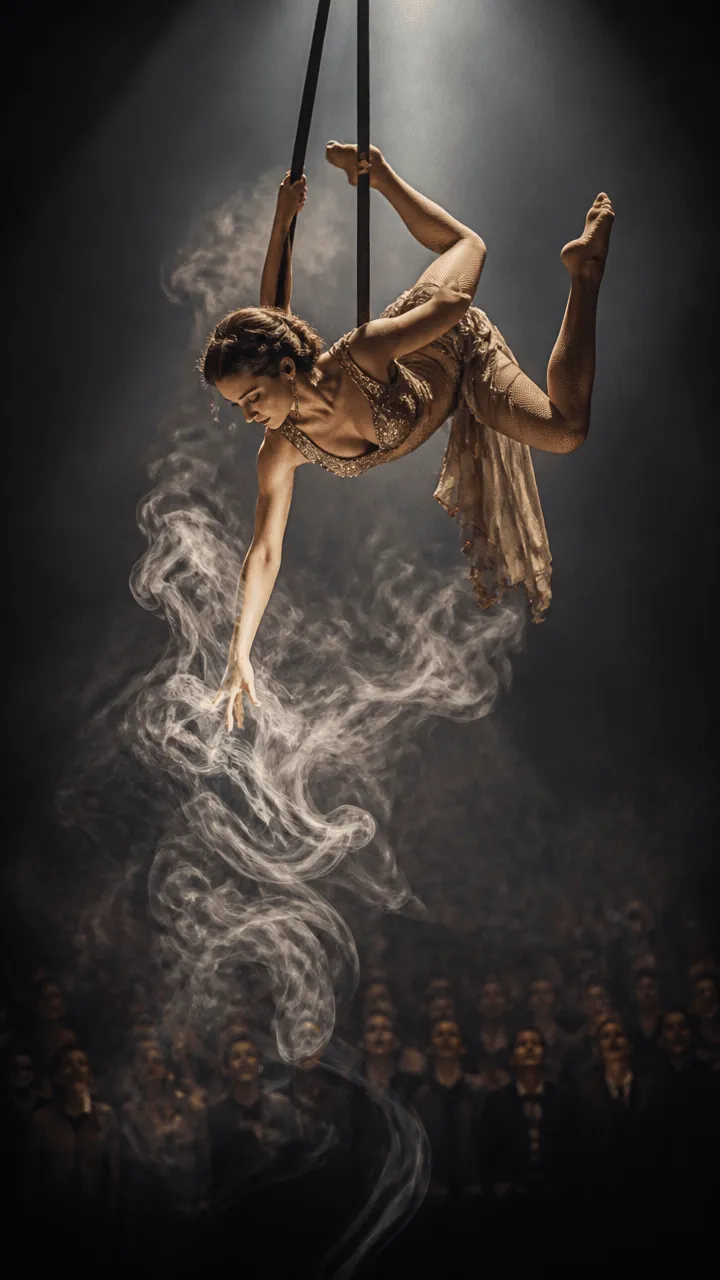
Noir Circus

A spectacular aerialist commands a dark, mystical circus troupe using illusions and gravity-defying tricks.

1. Upload de Referência

Upload Face Photo

Generation Language

Narrative Style

Additional Instructions

Artistic Name

This name will be featured in the middle of the video as the main actor.

Video Duration

Motor de Vídeo

* Upload a photo first

Guide: how to create your "Noir Circus"

Guide: how to create your "Noir Circus"

"Noir Circus" turns one selfie into a cinematic trailer: pick the narrative style, language and duration, and the AI directs the scenes starring your face — with consistent storyboards, characters and environments throughout.

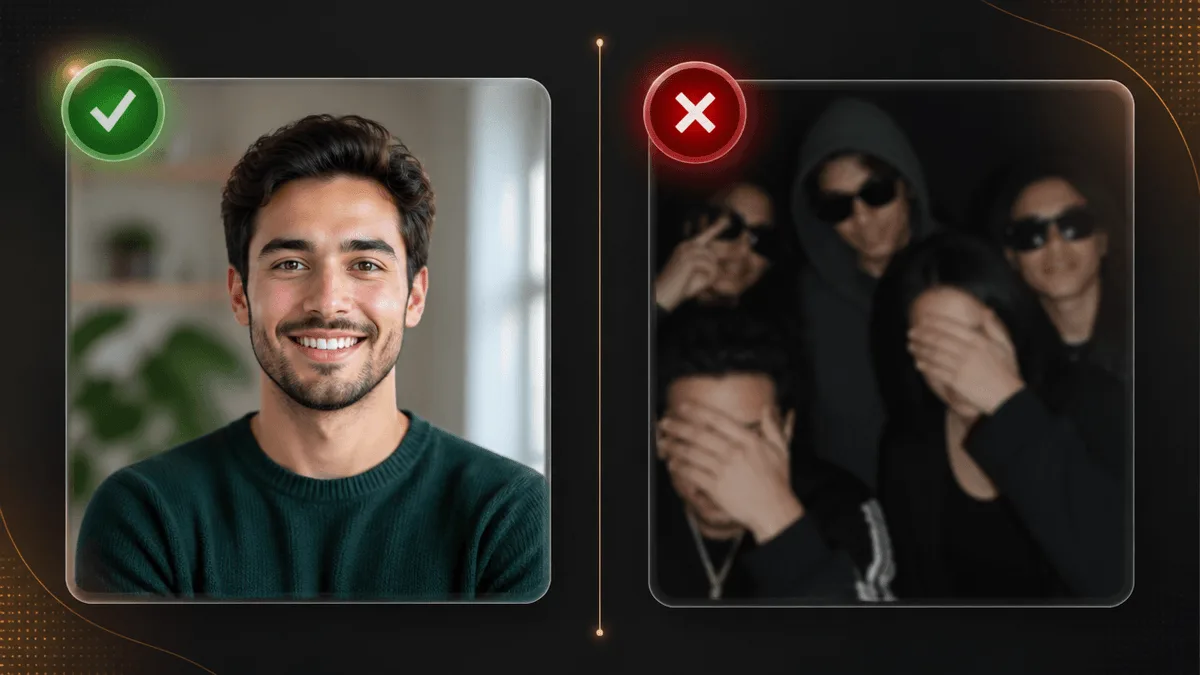
The perfect selfie

📸 The perfect selfie

  • Sharp, front-facing photo with good natural light — face fully visible, no sunglasses.
  • Avoid group photos, heavy filters or partially covered faces: identity is locked from this image.
  • Chest-up framing gives more fidelity than full body.

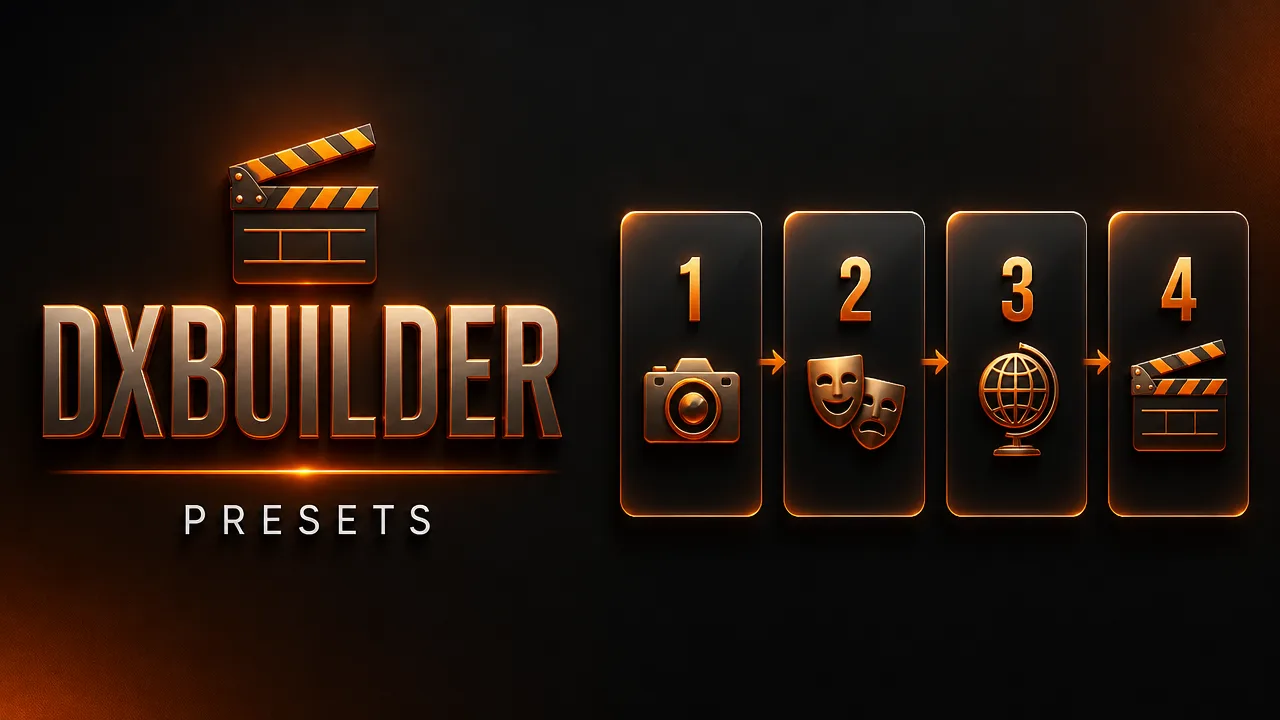
🎭 The 4 narrative styles

🎬
Trailer

Official movie trailer: epic cuts, title cards and a rising climax.

Transformation

Visual metamorphosis: you start normal and become the character scene by scene.

📺
TV Pull

You get pulled from your living room into the preset's world — the viral classic.

🎥
Making Of

Fun behind-the-scenes: cameras, clapperboards and the director yelling "cut!".

⏱️ Which duration to choose?

30s

30s — a complete, shareable trailer: best cost/impact (400–600 cr).

40s

40s — one more action scene so the climax can breathe (490–735 cr).

50s

50s — an extended narrative arc with more world (555–835 cr).

60s

60s — the full experience, almost a mini-episode (600–900 cr).

Frequently asked questions

Which video engine is used?

You choose on the page between MiniMax H3 (2K), Google Omni or DX Seedance 2.0 Fast (480p). The Seedance 2.5 engine is exclusive to Premium presets.

Does my face really appear in the video?

Yes — your uploaded selfie defines the hero's identity in every scene, with generated character sheets keeping it consistent.

Which languages can the narration be in?

The site's 8 languages: Portuguese, English, Spanish, French, German, Chinese, Japanese and Arabic — pick the generation language before creating.

Can I add a second person or object?

Yes: upload a second image and set its role (second actor, pet, object) — it appears in alternating scenes.

How long does generation take?

Usually a few minutes per video depending on the chosen duration — follow the progress on the page and find the result in your history.