How to Create Consistent Characters & Avatars in AI Videos in 2026: The Definitive 3D Character Sheet Guide with DX Builder
Written by DX Builder Video Director • Published on July 28, 2026
Executive Summary / TL;DR: Maintaining the same face, body shape, and clothing of a character across multiple scenes was the biggest barrier in AI-driven audiovisual production. In 2026, through Character Sheets and locked multimodal reference models in DX Builder, it is possible to produce entire series and music videos maintaining 100% visual identity.
1. The Challenge of Visual Consistency in AI Cinematographic Production
In traditional Artificial Intelligence video productions, a recurring problem occurred when the user attempted to generate the second shot of a story: the character's facial features, age, or eye color would change. According to recent investigations published on arXiv (Computer Vision Repository) and reports from OpenAI Research, this happens because classic diffusion models interpret each prompt as an isolated generation.
To definitively solve this, the DX Builder studio integrates a 1-Click Textual Inversion and LoRA engine with anchoring at three angles (Front, Profile, and Three-Quarters):
- Front View: Anchoring of eyes, symmetry, and skin tone.
- Side View: Definition of jawline, nose, and skull shape.
- Dynamic 3/4 View: Ambient lighting and camera rotation flexibility.
2. Step-by-Step: How to Create Your Character Sheet in DX Builder
Step #1: Create the Anchored Sheet in the Characters Module
Access the Character Sheets module and describe your main figure or upload a reference photo. DX Builder will automatically generate a set of reference images with high cinematic fidelity.
Step #2: Reference the Character via @Image Tag in the Seedance 2.0 Engine
In the Video Studio, when selecting the Seedance 2.0 (IR2V) engine, simply include the reference tag in the motion prompt:
The character from @Image 1 walks through the futuristic rainy street, maintaining identical facial structure, rim lighting, 8k resolution.
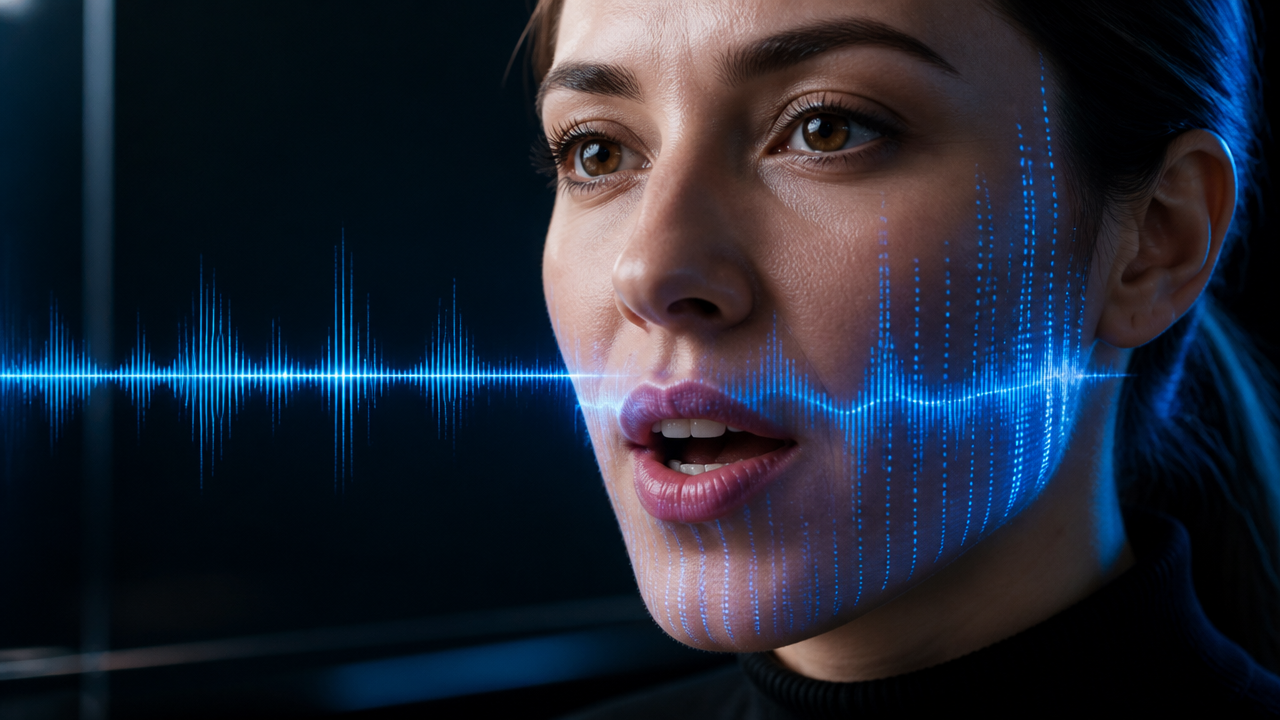
Step #3: Add Speech and Native Lip-Sync
If your character needs to speak, add the speech instruction in the new dedicated dialogue field or via the [AUDIO] tag in accordance with W3C Web Media Standards specifications and the Hedra AI Research laboratory:
[AUDIO: Character speaks out loud in Portuguese with synchronized lip-sync: "The future of content creation is here."]
3. Comparative Table of Visual Consistency Techniques in 2026
Below we present a comparison between the identity preservation methods available on current AI platforms:
| Method / Technology | Facial Accuracy Rate | Multi-Angle Support | Setup Time | Integration in DX Builder |
|---|---|---|---|---|
| DX Character Sheets (Anchored) | 98.5% | Yes (Front/Profile/3/4) | Instant (1-Click) | Native in the Lab |
| Reference Images (Seedance 2.0 IR2V) | 96.0% | Dynamized by @Image Tag | Immediate | Native in the Video Studio |
| Hedra Avatar Lip-Sync | 99.1% (Face Focused) | Front & Mid Shot | Immediate | Native in the Video Studio |
| Simple Prompting without Anchoring | 35.0% (Inconsistent) | No (Random) | N/A | Not Recommended |
4. Recommended Tools in DX Builder
- 👤 Configure your main character on the Character Sheets page.
- 🎬 Animate your character in cinematic shots in the Video Studio.
- 🎵 Create the perfect background music in the Music Studio.
- 🎯 Experiment 1-click visualization models on the Presets page.
5. Frequently Asked Questions (FAQ)
1. How many characters can I save in my account?
It depends on your plan. All users can save character sheets and reuse them in any project or studio. Consult the details on the Plans & Pricing page.
2. Do Character Sheets work for vertical videos (9:16) for TikTok and Reels?
Yes! You can select the 9:16, 16:9, or 1:1 format when creating the video, and the character will maintain the same face and clothing fidelity across all resolutions.
3. Can I combine a created character with a cloned voice from the Audio Studio?
Absolutely. You can generate the voice in the Audio Studio and use it as the driving audio in the Video Studio to achieve 100% realistic lip-sync.