AI Video Prompt Engineering in 2026: The Definitive Guide to Creating Cinematic Video Clips, Consistent Characters, and Lip-Sync with DX Builder
Written by Video Director at DX Builder • Updated on July 27, 2026
Executive Summary / TL;DR: AI video prompt engineering evolved in 2026 into modular multimodal architectures. Based on research published on arXiv (Computer Vision & Audio Synthesis) and technical documentation from OpenAI Research, the key to avoiding face-morphing and chaotic camera movements is to separate static visual direction from dynamic motion physics.
1. The AI Audiovisual Production Revolution in 2026
AI video content creation is no longer an experimental promise but has become the primary tool for studios, content creators, and marketing agencies worldwide. The major challenge of 2026 is not just image resolution, but narrative consistency between shots and perfect audio and motion synchronization.
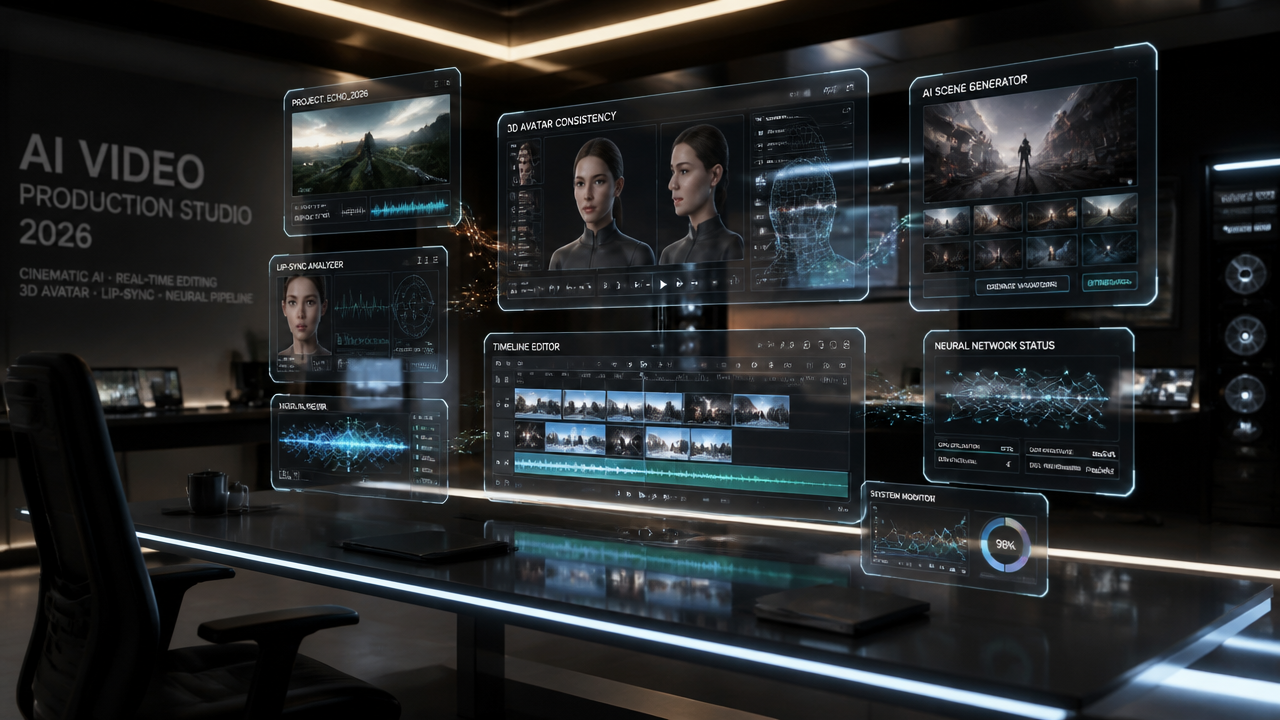
According to the research team at Google DeepMind (Veo) and xAI (Grok Imagine), high-fidelity video models operate best when visual and audio instructions are decoupled. In DX Builder, we apply this architecture in three independent layers:
- Layer 1 — Identity Locking (First-Frame Locking): The visual style, lighting, and actor's features are locked in the first frame (using the GPT-2 or NanoBanana 2 Lite model).
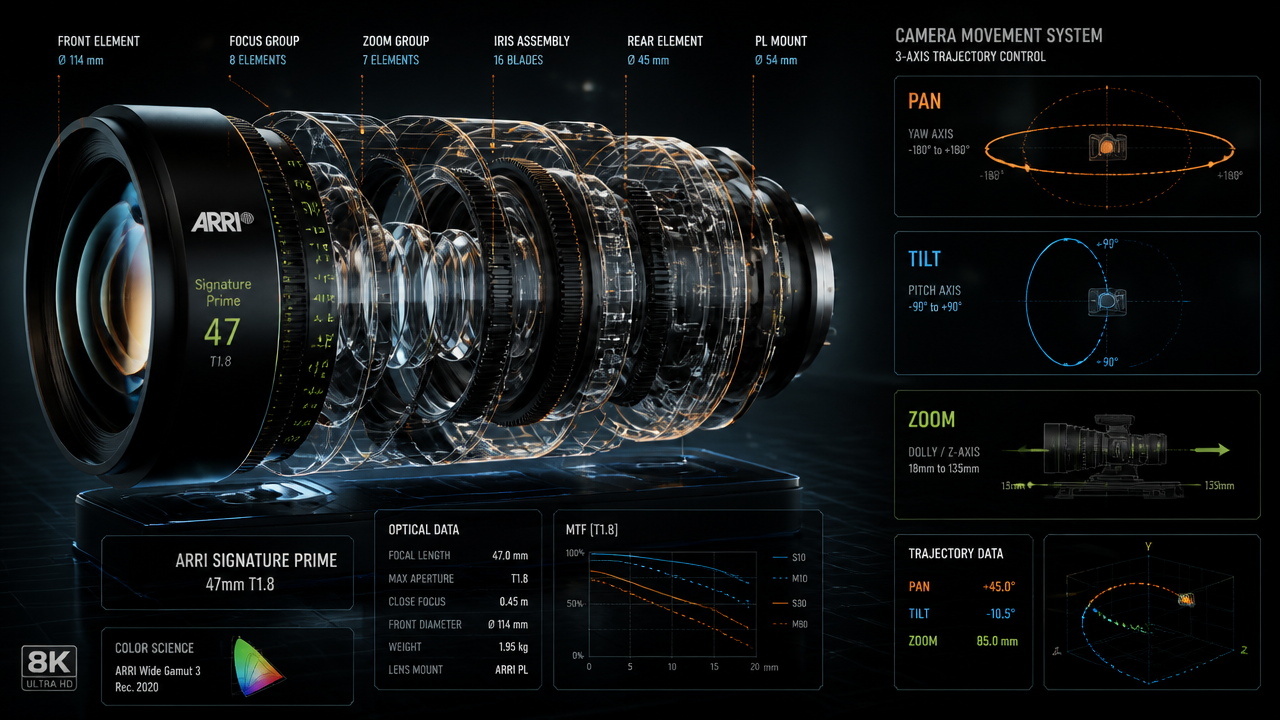
- Layer 2 — Camera Physics & Cinematics: The video prompt guides lens speed, focus angle, and trajectory vectors.
- Layer 3 — Native Sound & Lip-Sync: Voice and ambient sound directives are injected at render time via the Hugging Face Audio Transformers engine.
2. The 3 Golden Rules for Professional Video Prompts
Rule #1: The Video Prompt Should NEVER Describe Clothing or Hair Colors
This is the #1 mistake of 90% of creators. If your initial image already features an actor in a black leather jacket, do not re-write "man in black leather jacket" in the motion prompt. By repeating the visual description, the engine attempts to redraw details from scratch, causing face-morphing.
Correct Example: Describe only the movement: Slow 85mm push-in, character turns head towards camera with intense glance, volumetric rim lighting.
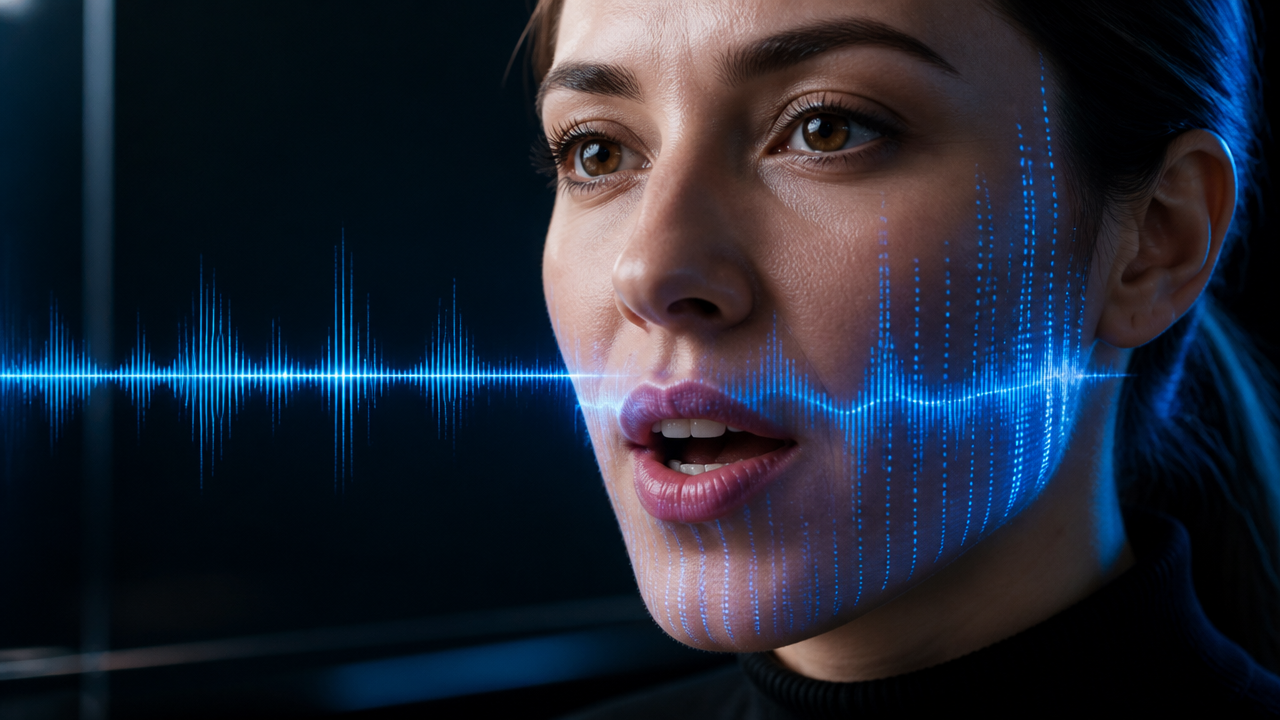
Rule #2: Use [AUDIO] Instructions for Native Lip-Sync
In DX Builder's next-generation engines (such as Seedance 2.0 and Grok Imagine 1.5), you can pass direct audio cues within the video prompt without having to edit audio in external software:
[AUDIO: crisp male dialogue "We need to leave now", cinematic bass riser, heavy rain ambience]
3. Comparative Table of Integrated Video Engines in DX Builder
Different engines have distinct specialties. The table below summarizes the capabilities and technical specifications of each native integration in DX Builder, in compliance with W3C Web Media Standards guidelines:
| Video Engine | Max Resolution | Duration per Clip | Main Specialty | Lip-Sync Support | Source / Documentation |
|---|---|---|---|---|---|
| Seedance 2.0 (IR2V) | 1080p Full HD | 4s - 15s | Physical Action & Multiple Scenes | Native via [AUDIO] | DX Documentation |
| Hedra Lip-Sync (Omni) | 1080p HD | Up to 60s | Talking Avatars & Impactful Monologues | Specialized (Avatar) | Hedra AI Research |
| Grok Imagine Video 1.5 | 1080p HD | 6s - 10s | Cinematic Shots & Slow Motion | HD Ambience Audio | xAI Newsroom |
| Kling AI Video 3.0 | 1080p HD | 5s - 10s | Stylized Animations & Rich VFX | Post-processed | Kling AI Lab |
4. 1-Click Practical Workflow
Want to put this into practice immediately without configuring complex parameters? Explore our dedicated tools:
- 🎯 If you want to use pre-configured visual models, access the 1-Click Presets Studio.
- 🎵 If you need to create your video's original soundtrack, visit the Music Studio.
- 👤 If you want to ensure your character maintains the same face across all episodes, configure it in the Character Sheets module.
- 🎬 To explore free creation with cinematic lenses, open the Video Studio.
5. Frequently Asked Questions (FAQ)
1. How can I try DX Builder for free?
All new users receive test credits to explore the Image, Music, and Video studios. You can check packages and plans on the Plans & Pricing page.
2. Can the generated videos be used for commercial purposes?
Yes. All videos, music, and images generated in DX Builder belong 100% to you, in accordance with AI commercial licenses, and can be monetized on YouTube, TikTok, advertising campaigns, or agency clients.
3. Is it possible to export videos in 4K?
Yes. DX Builder includes a native Video Upscaler tool that enhances the resolution of your clips to 4K at 60fps with professional sharpness.