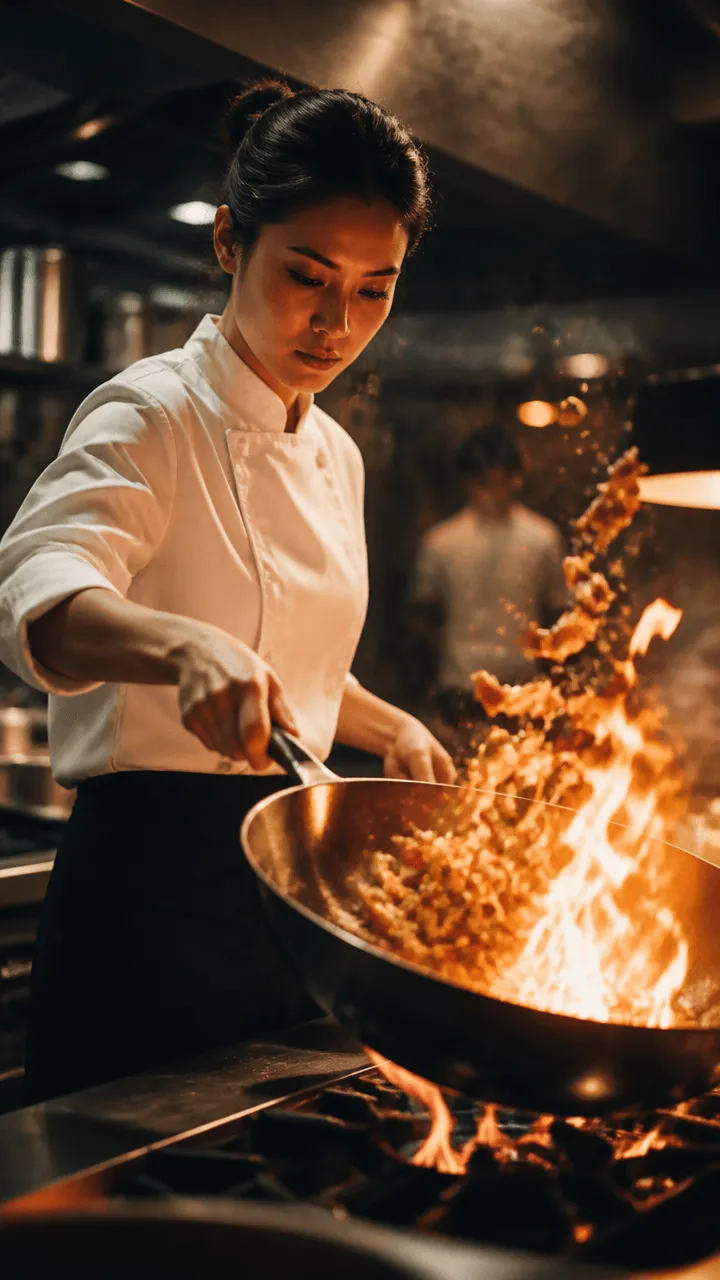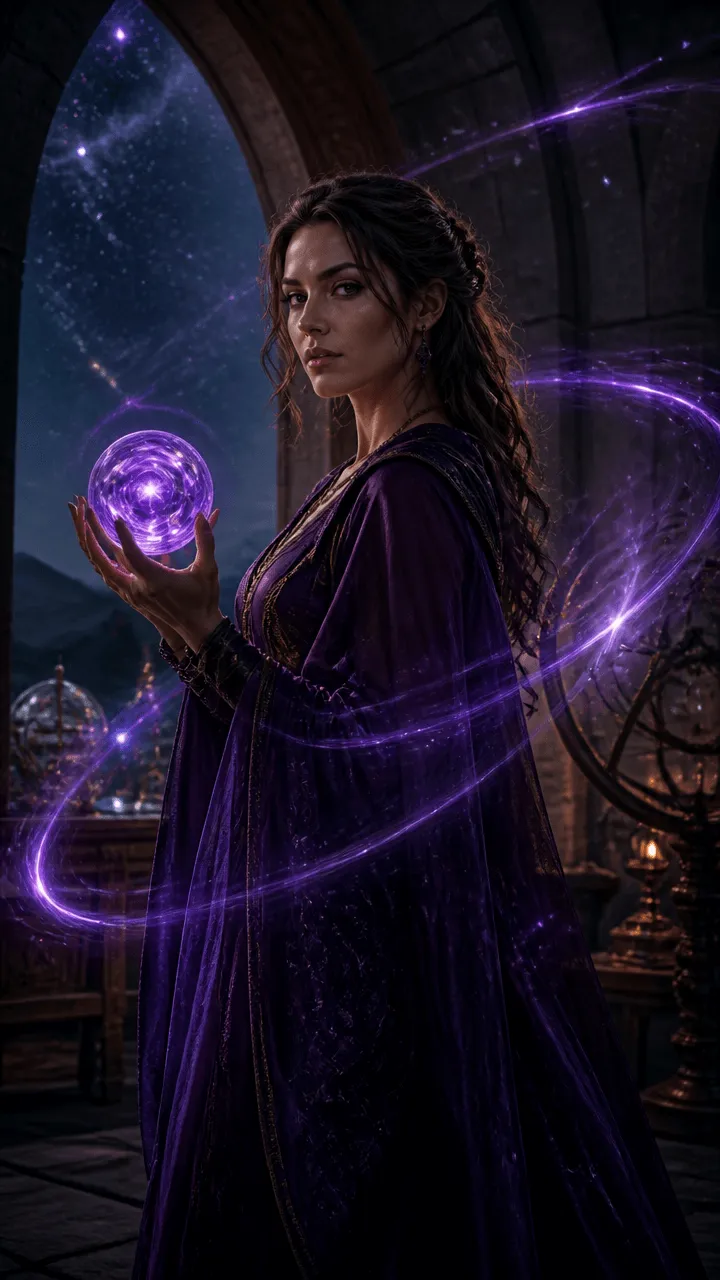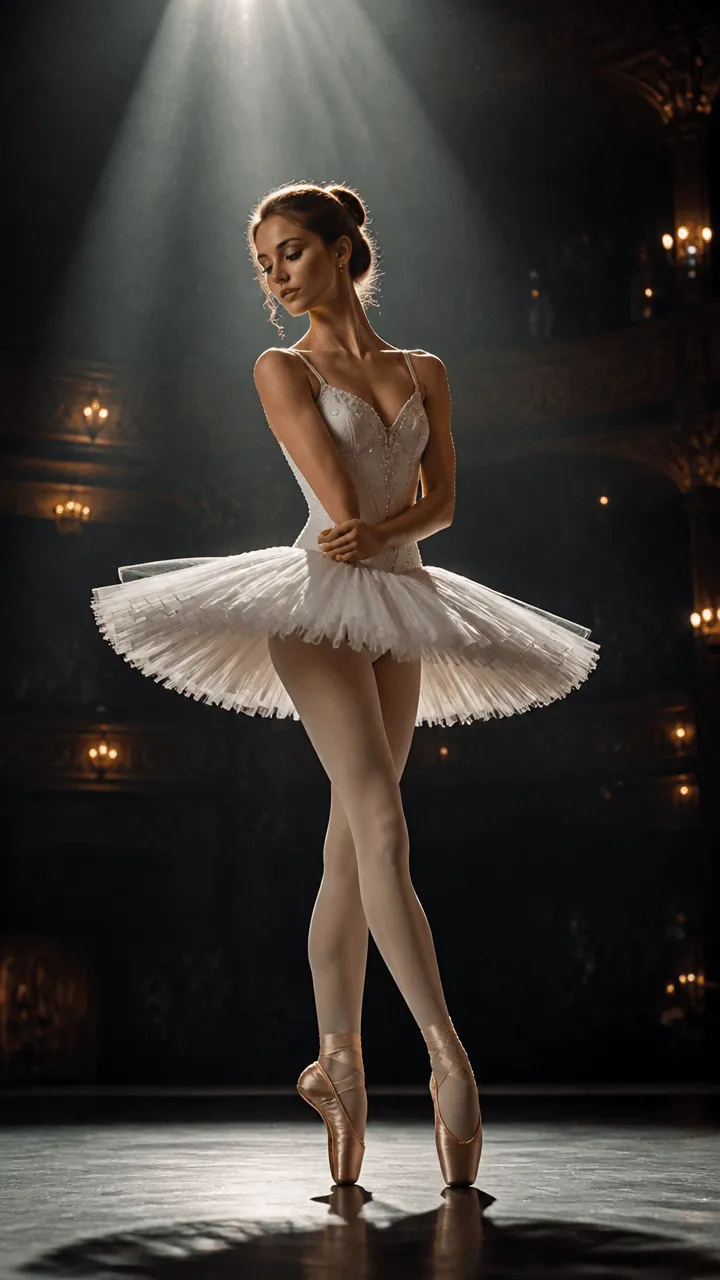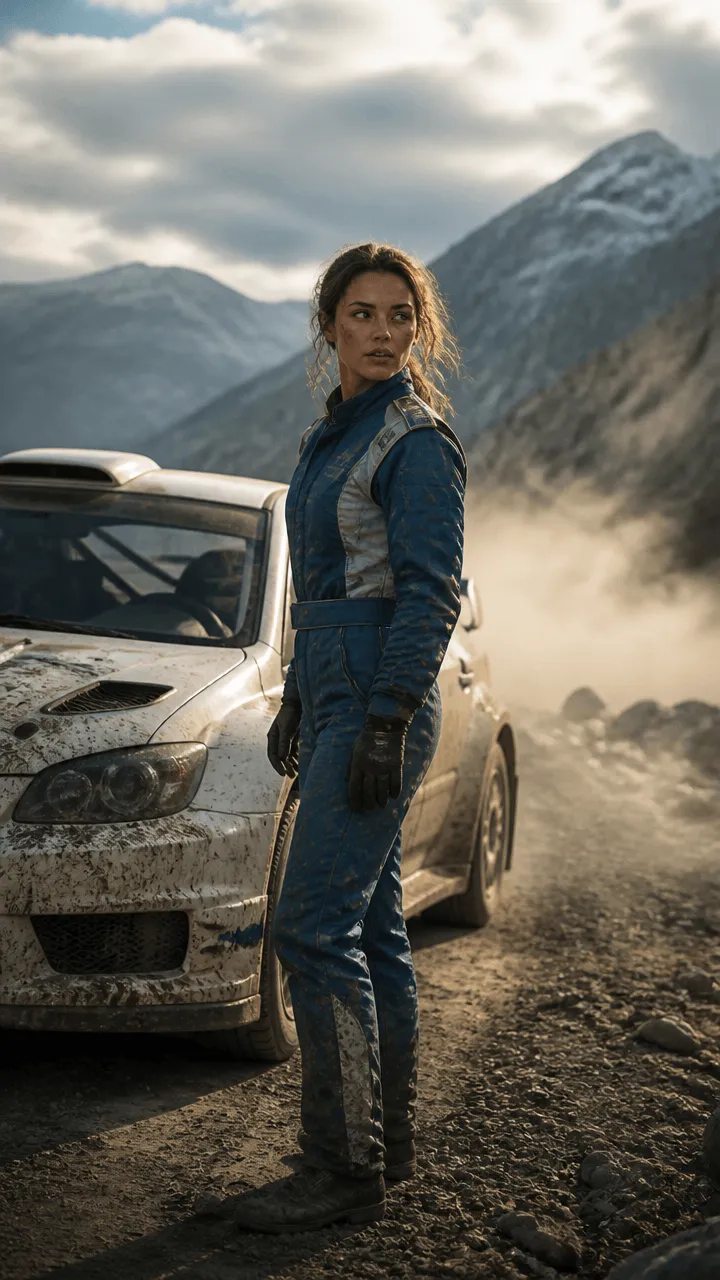
The biggest bottleneck in AI video generation has always been the «Text-to-Video (T2V) slot machine»: typing an elaborate prompt and praying that the AI model guesses the exact camera angle, subtle actor glance, or realistic martial arts physics. In September 2026, that era is officially over. The rise of Video-to-Video (V2V) and Neural Motion Transfer allows any creator to use a simple 5-second smartphone video as a kinetic skeleton. Next-gen Diffusion Transformers (Seedance 2.0 IR2V and Wan 3.0) extract camera trajectory, monocular depth estimation, and optical flow from your rough mobile footage, replacing skin, environments, costumes, and lighting with photorealistic 4K cinema textures matching 35mm anamorphic glass. What previously required $15,000 in motion capture suits and weeks of 3D CGI rigging in Maya is now executed in under 3 minutes inside DXBuilder Video Studio for under $0.85 in GPU compute.
Technical Definition: Neural Video-to-Video (V2V) & Motion Transfer in 2026
Neural Video-to-Video (V2V) is a conditional generative architecture where pre-recorded video provides structural spatial-temporal guidance (optical flow, velocity vectors, monocular depth maps via Depth Anything V2, and dense segment tracking via SAM 3) for a Diffusion Transformer (DiT). Rather than synthesizing motion from pure random latent noise guided only by text, V2V injects real-world physical dynamics frame-by-frame into latent space. This empowers directors to relight sets, alter garments, turn human performers into fantastical characters, or execute complex stunt choreographies with 100% temporal consistency and zero anatomical warping.
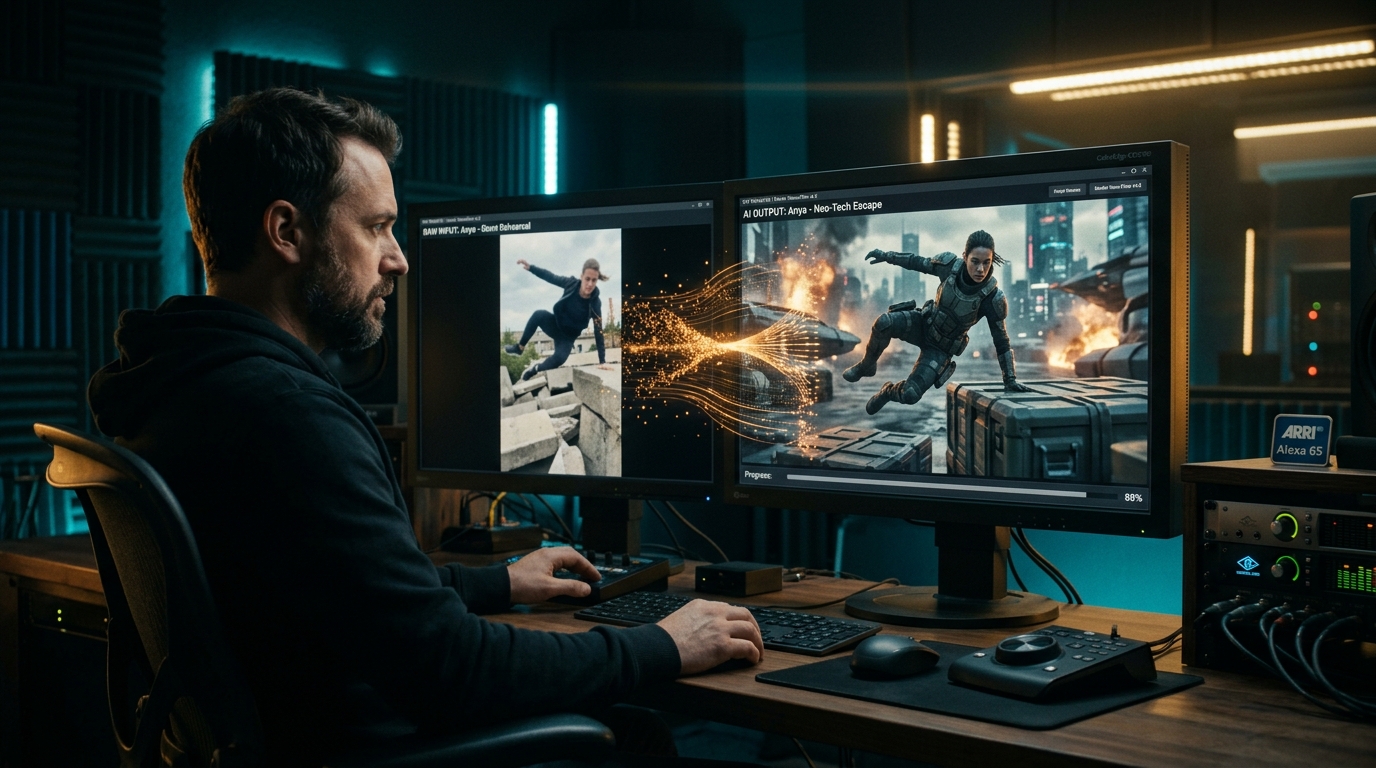
1. The Death of «Prompt-and-Pray»: Why Pure Text-to-Video Fails Professional Directing
If you have ever tried to generate a complex cinematic scene using only words in a prompt box, you know the frustration. You type: «Low-angle rapid tracking shot following a lone warrior leaping over concrete debris, spinning mid-air, landing with a chrome katana, warm amber rim lighting». You press generate.
On the first attempt, the warrior sprouts three legs. On the second, the camera performs an inexplicable random zoom into the sky. On the tenth try, the motion is smooth, but the warrior floats weightlessly as if gravity had been turned off. After 40 generations and $30 in wasted credits, you settle for a mediocre compromise that bears little resemblance to the creative vision in your mind.
The technical reason is simple: video diffusion models are masterclasses at rendering materials, volumetric fog, and lens textures, but they possess zero spatial intuition regarding actor blocking, angular camera panning velocity, or physical ground impact. Professional filmmaking hinges on split-second subtleties: the speed of an actor's glance, the sudden deceleration of a punch, or the organic sway of a handheld camera. Trying to dictate that in a text paragraph is like trying to describe a Beethoven symphony over an analog phone line.
This is where Video-to-Video (V2V) dismantles the lottery. Instead of explaining physical laws to the algorithm, you grab your phone, walk into your living room or garage, act out the move yourself, whip the camera at the exact velocity you desire, and feed that scratch video to the AI. That rough video becomes the unbreakable kinetic armature upon which the AI paints its cinematic genius.
2. Under the Hood: How V2V Works in Late 2026
Many creators still confuse modern V2V with early 2023 «cartoon style transfer» filters that merely slathered flickering psychedelic textures over existing video. In late 2026, V2V operates on a fundamentally different computational plane.
When you upload a reference video to DXBuilder Video Studio using the Seedance 2.0 IR2V or Wan 3.0 V2V engines, the pipeline executes three mathematical deconstruction passes in milliseconds:
The model extracts the exact depth distance of each pixel relative to the virtual lens using advanced monocular depth estimation. This builds a 3D point cloud of the shot, preventing background elements from bleeding into foreground actors.
Tracks the speed and acceleration vectors of every limb and camera movement across frames. If your hand moves at 2 meters per second, the AI knows precisely how much velocity and optical motion blur to synthesize.
With motion and spatial geometry locked, the Diffusion Transformer strips away the original visual skin and repaints the frame guided by your text prompt and biometric anchors from the Character Studio (@Hero).
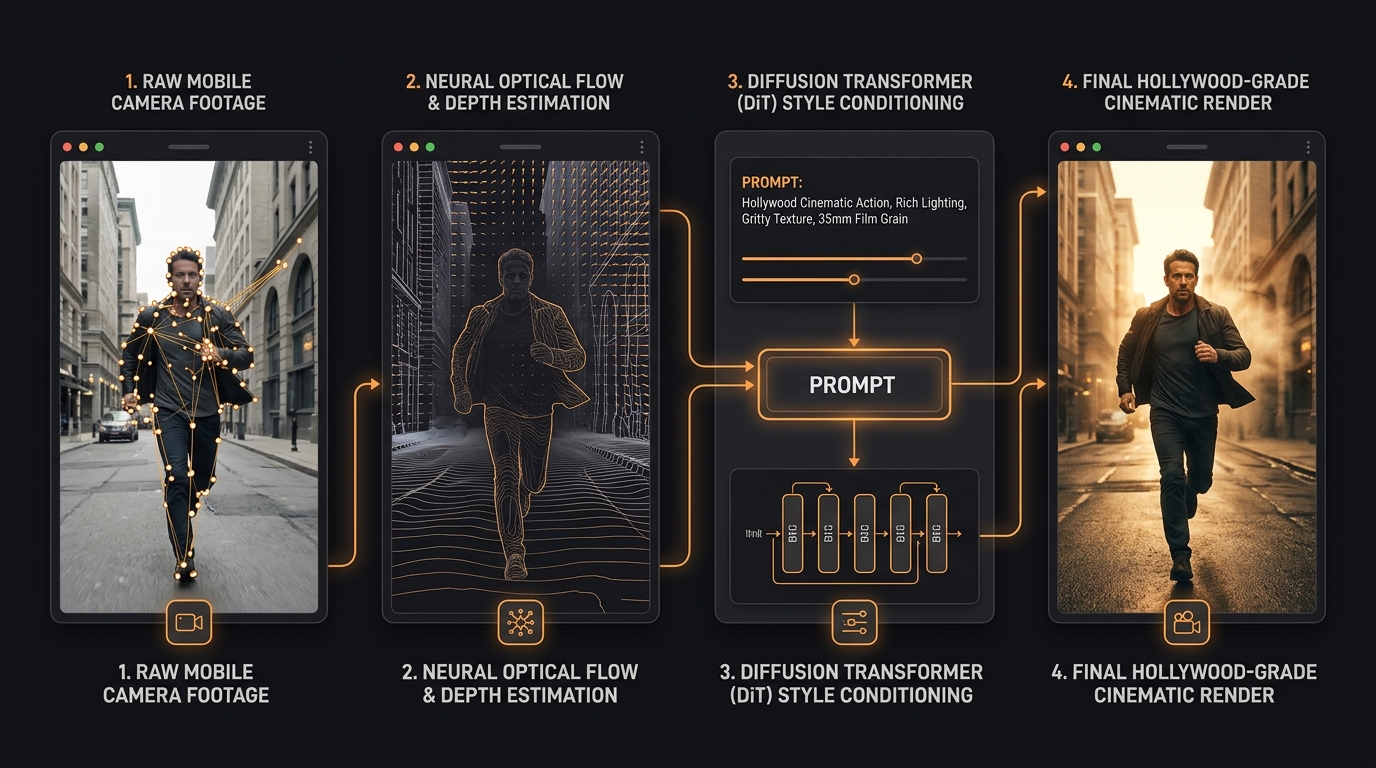
3. The Step-by-Step Practical Blueprint: From Smartphone to 4K Master
In my own productions at DXBuilder, we rely on this pipeline almost daily to produce ambitious action sequences that would otherwise be impossible without six-figure studio budgets. Here is the exact field-tested protocol to follow:
1 Recording the Scratch Video
You don't need a cinema camera or costly gimbals. An ordinary smartphone shooting 1080p or 4K at 60fps is ideal. Follow three physical shooting rules:
- High Shutter Speed: Minimize heavy native motion blur on your mobile sensor. If your hands blur into smeared mush on raw footage, the optical flow model will struggle with finger tracking. Shoot in well-lit spaces with crisp shutter settings.
- High Contrast Wardrobe: If shooting in a room with white walls, wear a dark jacket. This allows neural segmentation models to cleanly extract your body contours without requiring green screens.
- Deliberate Physical Camera Moves: If you want an aggressive push-in dolly shot, physically walk forward with your phone. Human inertia provides organic camera acceleration that cannot be faked with pure text prompts.
2 Conditioning Inside DXBuilder
Inside Video Studio, upload your 5-to-10-second reference clip into the Video Guidance input. Set the kinetic fidelity slider to Kinetic Match 85%.
If your goal is to preserve the actor but transform the environment (e.g. converting your living room into the bridge of an interstellar starship), activate Environment Swap. If you are holding a broomstick and want it converted into a glowing plasma blade or ornate battle staff, the model tracks the rigid body geometry and swaps the mesh cleanly.
3 The Golden Rule of V2V Prompting: Describe Aesthetics, Never Motion
This is the #1 mistake I see 90% of beginners make: they upload a video of someone running and write: «A man runs to the left while glancing over his shoulder». Never do this!
The V2V engine is already tracking the run and head turn directly from the video pixels. If you duplicate the motion description in text, the neural network tries to negotiate text vectors against visual velocity, creating double limbs, deformed hands, and jitter. Your text prompt should focus strictly on art direction, materials, and lighting:
4 Synchronized Foley and Cinematic Sound Design
An action shot without dynamic audio is just an empty moving GIF. In the DXBuilder Audio Studio, we extract kinetic velocity peaks to synthesize neural Foley in exact sync: heavy boots impacting wet asphalt, leather creaks, or energy blade hums. In the Music Studio, align percussive orchestral hits directly with key editorial cut points.
4. Technical Comparison: The Paradigm Shift
To see why modern film agencies and solo directors are pivoting to V2V workflows, review how the three dominant video pipelines compare in late 2026:
| Production Metric | Pure Text-to-Video (T2V) | Traditional 3D CGI & MoCap | AI Video-to-Video (V2V) |
|---|---|---|---|
| Exact Camera Trajectory | Probabilistic / Random (requires 30-40 takes to get lucky) | Full manual control via Maya / Blender Bézier curves | Deterministic 1:1 match from real phone movement |
| Human Choreography & Weight | Frequent limb morphing, floating gravity-free bodies | Requires optical marker suits and tedious keyframe cleanup | Real human biology and skeletal weight preserved directly |
| Turnaround Time per Shot | 2 to 4 hours of repetitive prompt regeneration | 3 to 6 weeks of rigging, shading, and rendering | 90 to 180 seconds on DXBuilder GPU cluster |
| Average Cost per Shot | $15 to $35 in wasted GPU trial-and-error tokens | $8,000 to $25,000 in specialized crew and studio hire | $0.80 to $1.50 in DXBuilder credits |
| Hardware Requirements | Web browser | MoCap studio, 128GB RAM workstation, dual enterprise GPUs | Any modern iOS or Android smartphone |
| Actor Identity Retention | Faces morph drastically between shots | Photorealistic but vulnerable to the Uncanny Valley | 100% actor lock with Character Studio (@Hero) |
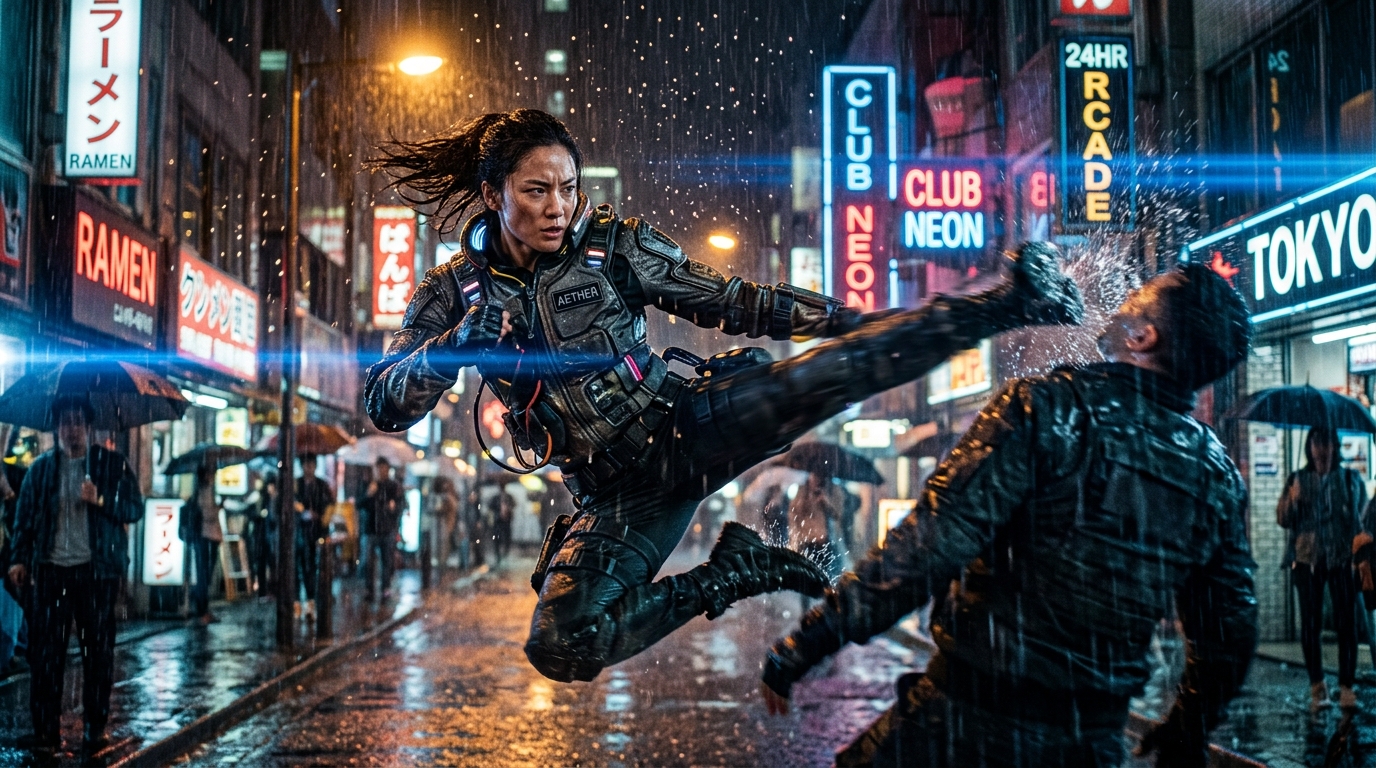
5. Three Production-Ready V2V Prompt Formulas You Can Copy Today
To jumpstart your creative pipeline, here are three battle-tested prompt templates I use regularly. Simply upload your smartphone footage in Video Studio, copy the template, and customize the aesthetic details:
[SUBJECT]: Gritty operative in tactical Kevlar body armor, weathered fabric texture, mud splatters, realistic determined facial expression.
[ENVIRONMENT]: Industrial warehouse interior at midnight, broken skylight with streaming moonlight and golden amber halogen spotlights (#FF9B3E), atmospheric dust motes and airborne debris suspended in slow motion.
[LIGHTING]: Heavy volumetric backlighting, deep moody shadows, high micro-contrast, natural specular reflections on wet concrete.
[TECHNICAL]: 35mm film grain, subtle halation around light sources, crisp edge definition, natural optical motion blur on moving limbs. [AUDIO: thunderous low-frequency impact, shattering glass, metallic gear rattle — NO dialogue]
Shooting Tip: Record yourself doing a fast dodge or strike holding a plain broomstick. Keep the camera steady or execute a controlled whip pan.
[SUBJECT]: Cybernetic courier wearing an illuminated translucent waterproof trench coat with fiber-optic wiring, subtle chrome mechanical implants on neck.
[ENVIRONMENT]: Densely populated futuristic megalopolis alleyway at dusk, neon holographic signage reflected in rain puddles, dense rising sewer steam.
[LIGHTING]: Anamorphic blue horizontal streaks, golden rim lighting, soft light diffusion through misty rain.
[TECHNICAL]: 8k photorealism, authentic skin pores, organic sweat droplets, zero digital plastic smoothing. [AUDIO: heavy rainfall, distant drone engine hum, electronic neon flicker]
Shooting Tip: Walk down an ordinary street at night wearing a common hooded jacket while your phone tracks backwards in front of you.
[SUBJECT]: High-fashion model with striking features, wearing an architectural metallic silk evening gown that flows with organic wind turbulence.
[ENVIRONMENT]: Brutalist minimalist concrete museum gallery, floor-to-ceiling glass windows overlooking a stormy sea.
[LIGHTING]: Razor-sharp golden-hour side lighting through architecture, warm specular highlights on silk fabric weave, pristine clean whites.
[TECHNICAL]: Hasselblad medium format look, rich color depth, velvety shadow roll-off, elegant slow motion cadence. [AUDIO: rhythmic high-fashion electronic bass pulse, wind gust, rustling heavy silk]
Shooting Tip: Have someone twirl in an ordinary room holding a simple bedsheet or blanket. V2V transforms the sheet into haute couture metallic silk and the living room into a brutalist architectural villa.
6. Commercial Monetization: How Agencies Are Winning With V2V
The greatest misconception is assuming V2V is only for niche experiments on social media. Across commercial client pipelines at DXBuilder, three sectors are realizing immediate ROI:
Instead of renting $5,000/day studio spaces to shoot product unboxing videos or model walk-throughs, in-house team members record simple mock-ups holding plain cardboard boxes in the office. Through V2V, they transform these into glossy luxury commercials shot in tropical villas, shrinking production turnaround from 3 weeks to 24 hours.
High-risk action sequences that once required stunt doubles, safety rigging, and exorbitant liability insurance can now be blocked on gym mats in a garage, then rendered as heart-pounding sci-fi set pieces.
Musicians record their lipsync performance in their bedrooms to a synchronized playback track. With DXBuilder, that bedroom transforms into a sold-out stadium with pyrotechnics, keeping lipsync and dance timing locked tight.
7. Frequently Asked Questions (FAQ)
Do I need an expensive camera or rig to record the guidance footage?
No. Any standard smartphone from the past 4 years shooting 1080p or 4K at 30 or 60fps is more than sufficient. The generative model does not inherit the pixel quality or noise profile of your camera; it only uses its optical velocity vectors and spatial depth mesh. Physical consistency of movement and clean lighting contrast are all that matter.
Does V2V keep the original actor's face, or can I swap in a totally new character?
Both options are fully supported. If you want to keep your own likeness, activate Facial Retention. If you want to swap yourself with a virtual actor created in DXBuilder Character Studio (@Hero), the system performs a biometric identity graft, projecting the facial structure, eyes, and skin details of your digital character directly over your physical performance.
How do I eliminate temporal flickering on clothing and background details?
Flickering occurs when the diffusion model attempts to reinvent intricate micro-patterns (like fine plaid or tight pinstripes) frame by frame. To eliminate flicker: 1) Wear solid, uniform colors in your reference footage; 2) In your prompt, specify materials with predictable specular highlights (e.g. «matte leather», «brushed aluminum», «heavy wool coat»); 3) In DXBuilder, maintain temporal consistency guidance above 0.82.
How does V2V rendering cost compare to pure Text-to-Video?
The raw compute cost per shot is practically identical to a standard 5-to-10-second generation ($0.80 to $1.20 per shot with Seedance 2.0 IR2V). However, your overall production spend is over 80% lower because you eliminate 20 failed prompt-and-pray iterations trying to get the camera to move properly. With V2V, your first or second take is ready for the timeline. Review our flexible credit plans on the DXBuilder Pricing page.
Written by Filipe Heitor
Founder & Creative Director of DXBuilder
Dedicated to engineering generative AI video systems that return true authorial control to independent filmmakers and commercial directors. If you are tired of the prompt-and-pray slot machine, explore our Video Studio, map out your narrative arcs in the Story Lab, and lock in your recurring cast with the Character Studio.