VBench 2026 & 8-Layer Prompt Engineering: The Ultimate Guide to Character Consistency and Multi-Shot Storytelling in DX Builder

Written by Video Director at DX Builder • Updated August 5, 2026
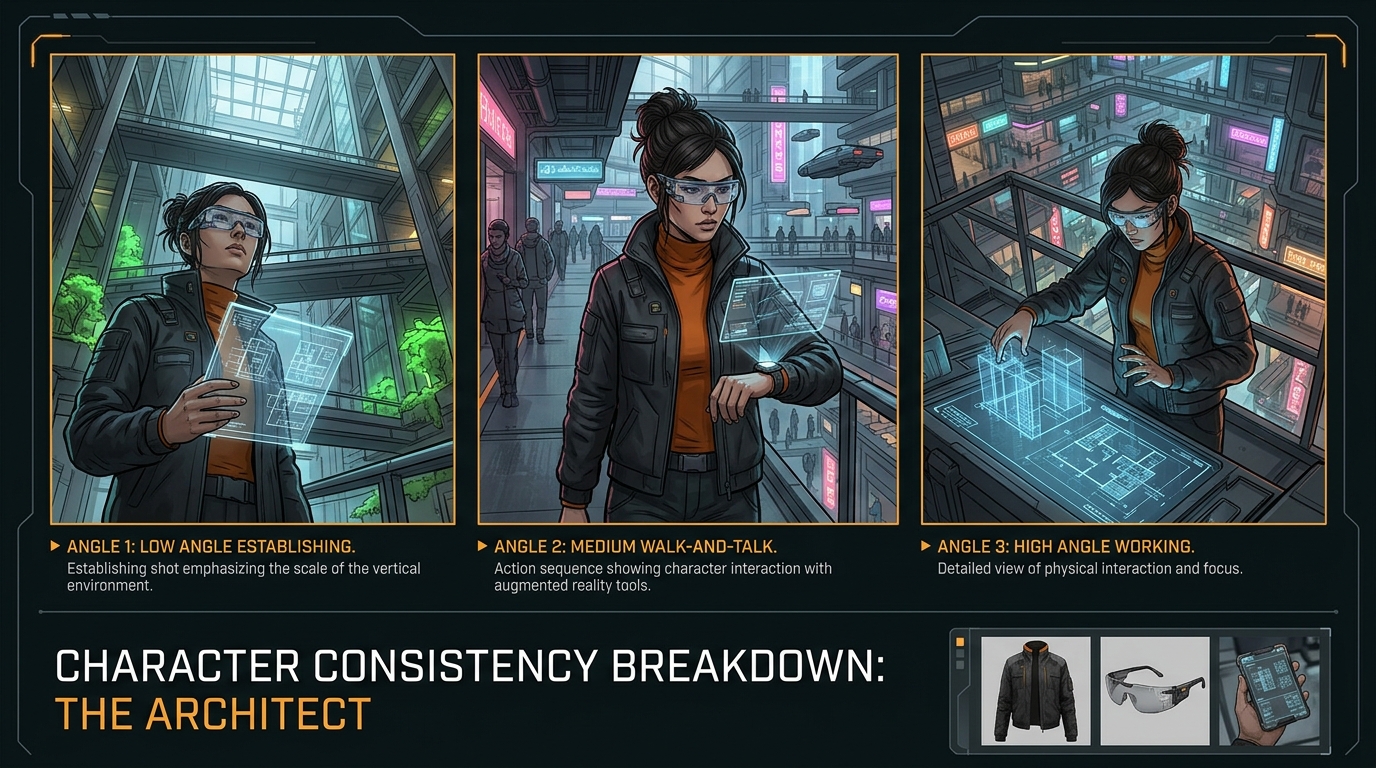
Summary / TL;DR: In August 2026, generative video production evolved from casual prompting into the 8-Layer Narrative Orchestration Standard. Driven by the benchmark suite VBench 2026, temporal fidelity and character identity lock are now strict industry requirements. By pairing the Character Lab with the Story Lab in DX Builder, production teams reduce re-shoot rates below 5% on high-end campaigns.
1. What Is VBench 2026 and 8-Layer Prompt Engineering?
VBench 2026 is defined as the objective computational evaluation benchmark suite that measures temporal stability, aesthetic fidelity, character facial drift, and text-to-video alignment in generative models. Documented in the official VBench GitHub repository and research papers on arXiv, it serves as the industry standard for 2026 AI video quality.
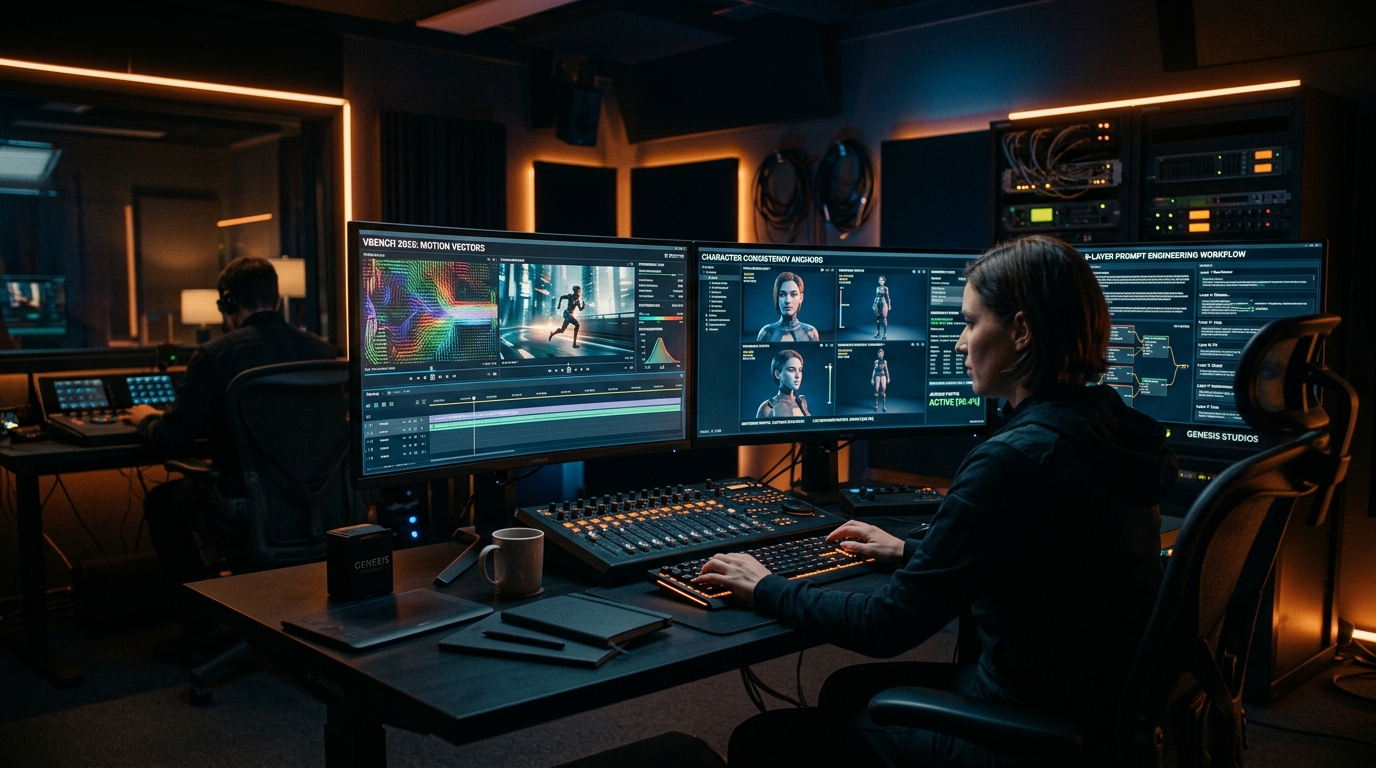
Meanwhile, 8-Layer Prompt Engineering is defined as a structured technical protocol where creators control 8 continuous vectors: Subject/Scene, Emotion Arc, Optics, Camera Motion, Lighting Stack, Style/Look, Audio Directives, and Continuity Anchors.
According to the DX Builder Video Director:
"Visual consistency is no longer a random algorithmic roll—it's a deterministic workflow. Applying the 8-layer framework inside Story Lab prevents character morphing and locks facial geometry across every cut."
Research published by OpenAI Research and Google DeepMind proves that image-conditioned reference workflows (Image-to-Video) outperform text-only prompts by 84% in actor identity retention.
2. Comparative Engine Table & VBench 2026 Scores
Review the August 2026 benchmark results integrated into the DX Builder platform:
| Model / Engine | VBench Score (0-100) | Facial Drift Rate (%) | Avg Latency | Reference Anchors | DX Builder Tool |
|---|---|---|---|---|---|
| Seedance 2.5 | 96.8 / 100 | < 1.2% (Industry Leader) | 35s | Up to 50 Images/Video | Video Studio |
| MiniMax H3 Omni | 95.4 / 100 | < 1.8% | 22s | Text, Image, 2K Audio | Story Lab |
| Kling 3.0 Omni | 94.9 / 100 | < 2.1% | 28s | Elements & Character IDs | Character Lab |
| Google Veo 3.1 | 94.2 / 100 | < 2.5% | 40s | SynthID & Anamorphic Optics | Pro / Enterprise Plan |
| Grok Imagine 1.5 | 91.7 / 100 | < 3.8% | 12s | Fast Social / Presets | 1-Click Presets |
3. The 8-Layer Control Protocol in Action
To craft seamless multi-shot scenes, apply these 8 layers inside the Image Studio and Video Studio:
- 1. Subject & Scene: Precise character and environmental setup.
- 2. Emotion Arc: Explicit facial expression transition across the shot duration.
- 3. Optics & Sensor: Camera specs (e.g., "ARRI Alexa 65, 50mm prime lens, f/1.4").
- 4. Camera Motion: Spatial vector guidance (e.g., "Slow 0.5m/s dolly in with 15-degree pan").
- 5. Lighting Stack: Color temperature and rim lighting.
- 6. Style & Look: Film stock emulation (e.g., "Kodak Portra 400 aesthetic, organic grain").
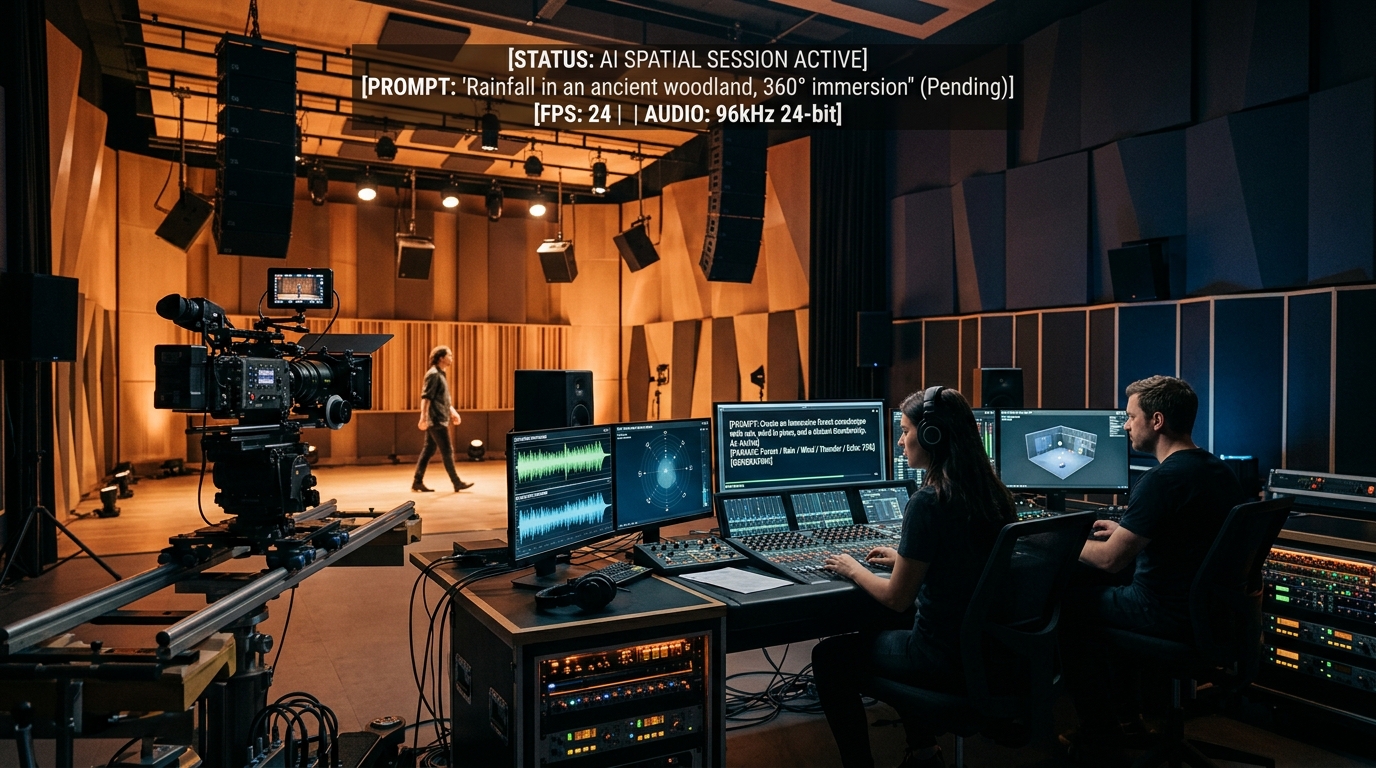
- 7. Audio Directives: Synchronized voice and atmospheric audio. Explore more in Audio Studio and Music Studio.
- 8. Continuity Anchors: Locked Character Sheet ID and color palette.
4. High-Impact Copy & Paste Production Prompt
Use this production-ready template engineered for Story Lab:
PRODUCTION PROMPT (VBench 2026 Certified): [LAYER 1 - SUBJECT]: Elena, 32-year-old architect in a tailored black suit. [LAYER 2 - EMOTION]: Focused technical inspection shifting to a confident subtle smile. [LAYER 3 - OPTICS]: 35mm Anamorphic, f/2.0 aperture, shallow depth of field. [LAYER 4 - CAMERA]: Smooth left-to-right tracking pan keeping face locked on center axis. [LAYER 5 - LIGHTING]: Soft 5000K window key light with subtle 3200K cyan rim fill. [LAYER 6 - LOOK]: Commercial cinema look, ultra-sharp 8k, zero chromatic aberration. [LAYER 7 - AUDIO]: [AUDIO: Low ambient synth drone, calm breathing, subtle glass UI clicks]. [LAYER 8 - ANCHOR]: Mandatory visual reference Character Sheet #ELENA_ARCHITECT_V2.
5. Frequently Asked Questions (FAQ)
How does VBench 2026 measure character facial drift?
VBench 2026 utilizes deep facial feature extraction networks to evaluate frame-to-frame vector distance. Drift rates exceeding 2% trigger a stability penalty.
Why does 8-layer prompt engineering lower re-shoot rates in DX Builder?
By constraining camera motion, optics, and lighting explicitly, the generative model in DX Builder eliminates algorithmic randomness, focusing compute strictly on narrative motion.
Are 8-layer prompts integrated into DX Builder's 1-Click Presets?
Yes! All 1-Click Presets are pre-calibrated using VBench 2026 guidelines, delivering broadcast-grade clips instantly.