TikTok Live
Turn your top gifter's selfie into an MVP tribute video
You are mid-live, someone drops the biggest gift of the night, and you want to thank them with more than a shout-out. Upload their selfie, pick a preset, and a few minutes later you have a vertical video with their real face as the hero of the scene — ready to post, or to play on stream the next time they show up.
Supreme MVP
250 credits
Made with the presets on this page
Every clip below came out of the same flow described here — one photo in, one vertical video out. No editing software, no green screen.

Supreme MVP
250 credits
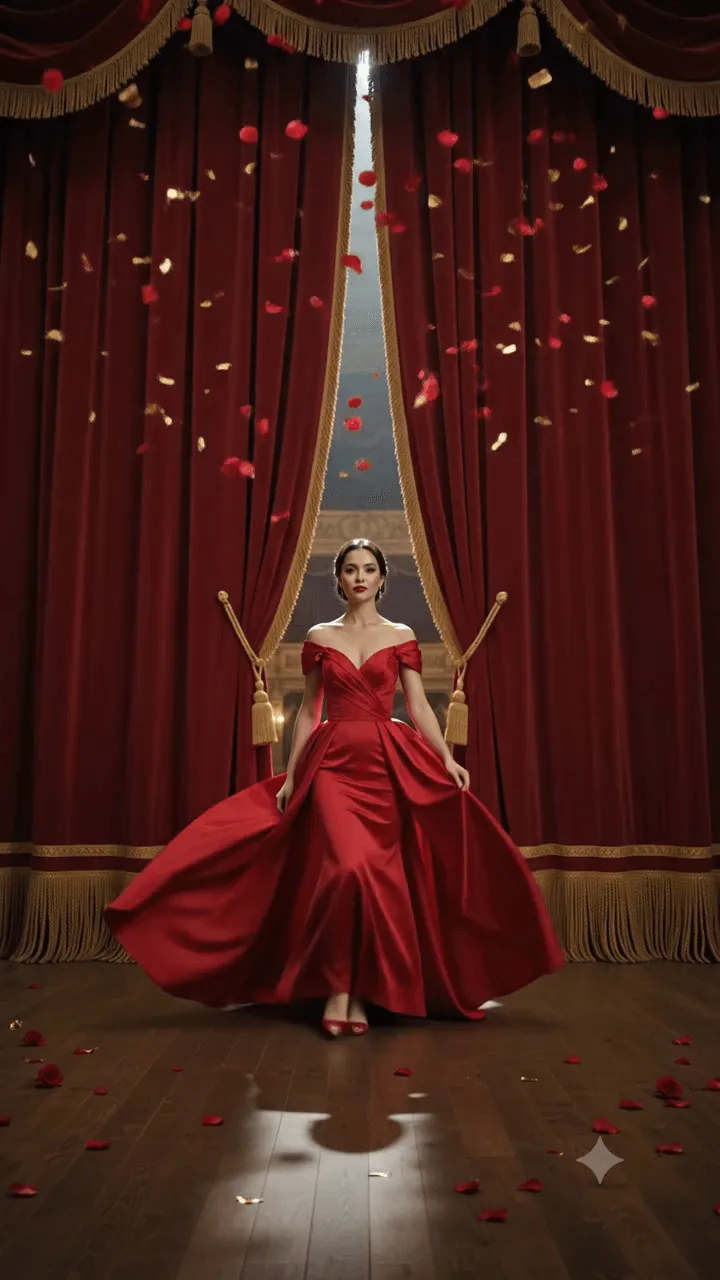
The Grand Entrance
250 credits
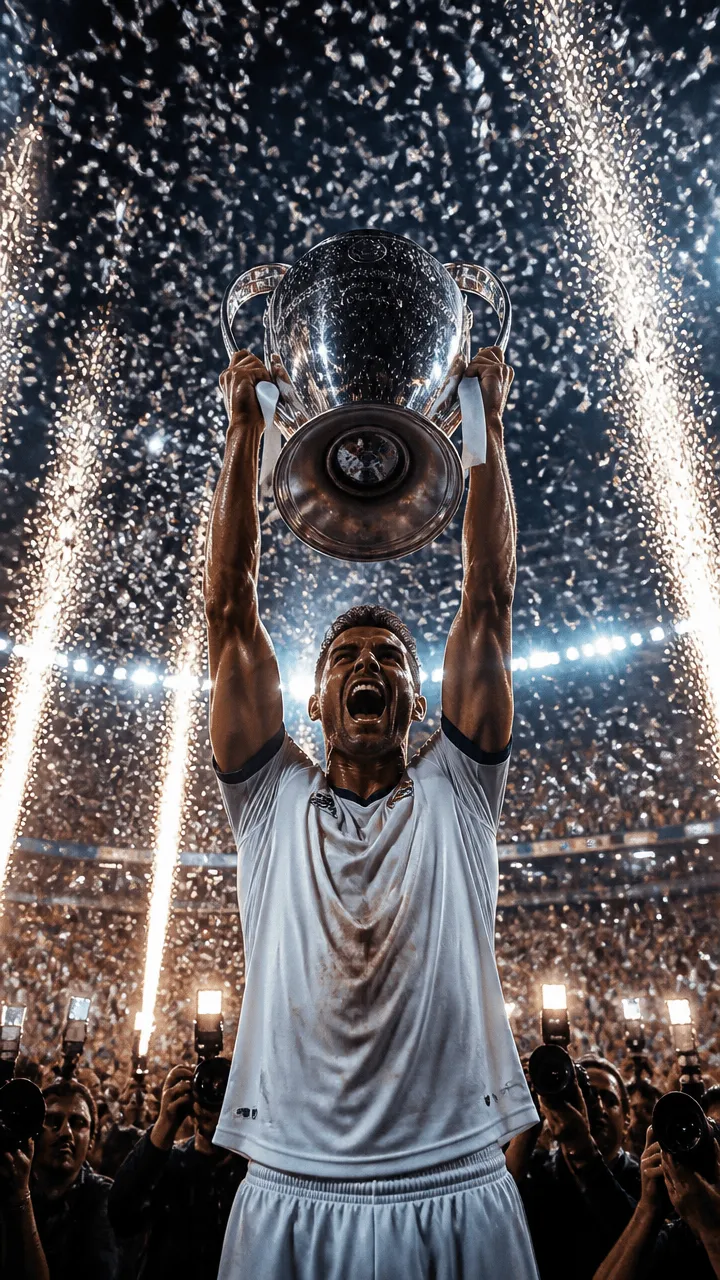
Champions Night
250 credits
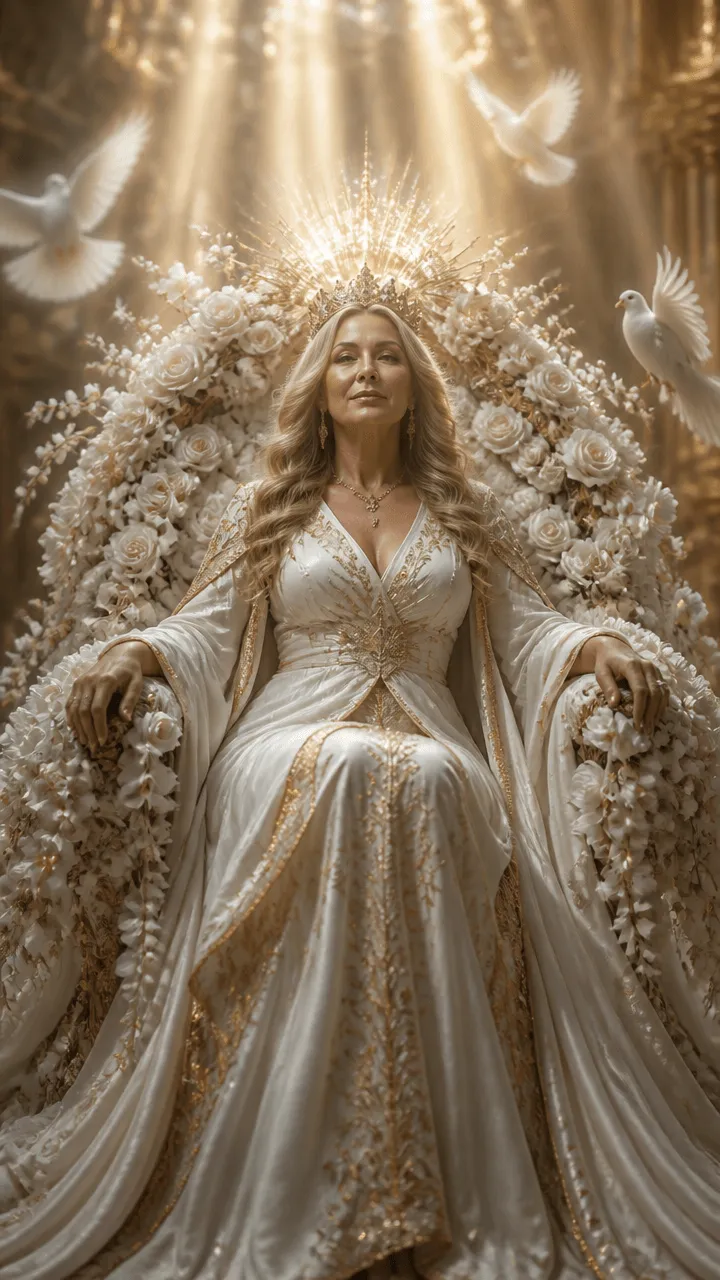
Queen Mother
250 credits
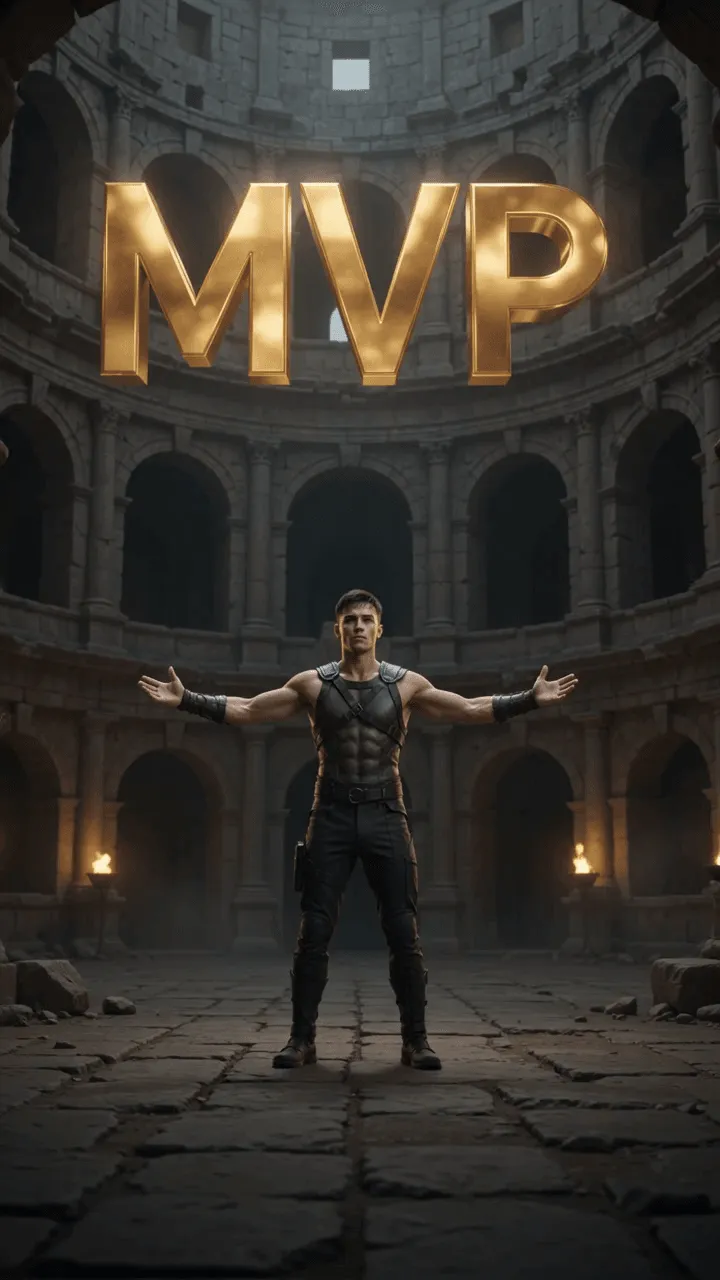
Golden Lion
250 credits
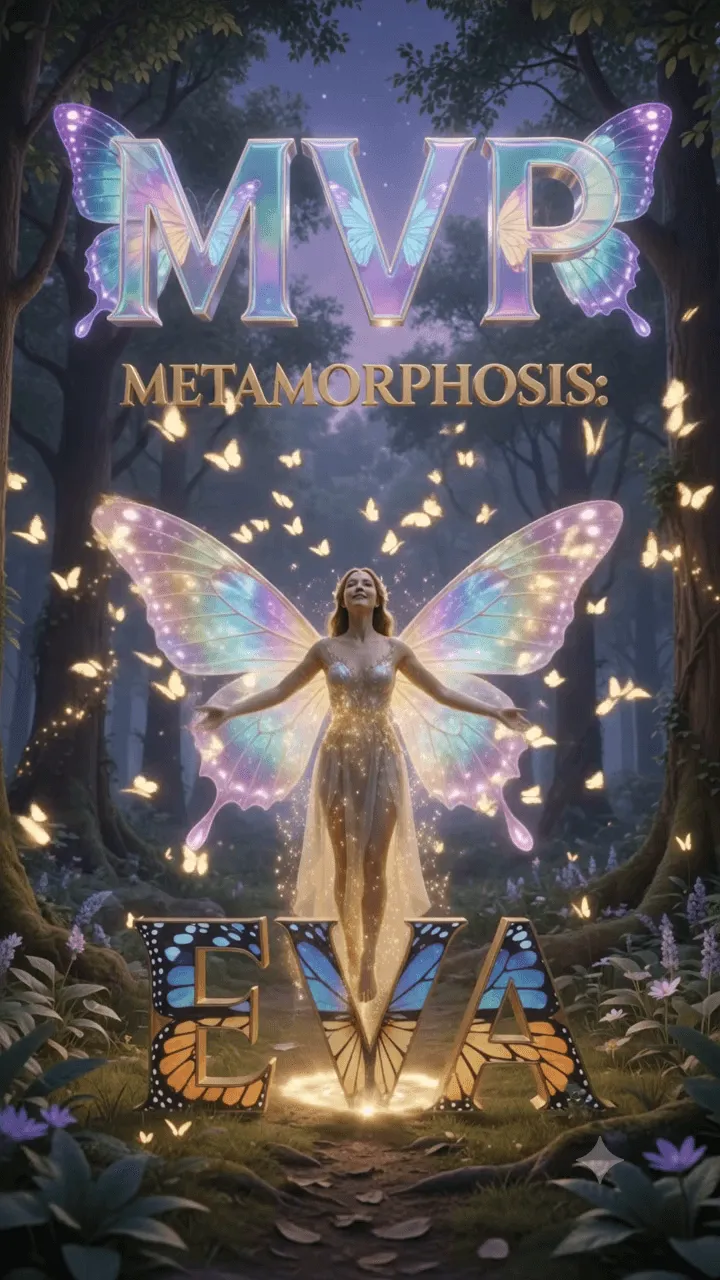
Metamorphosis
250 credits
Choose your free trial

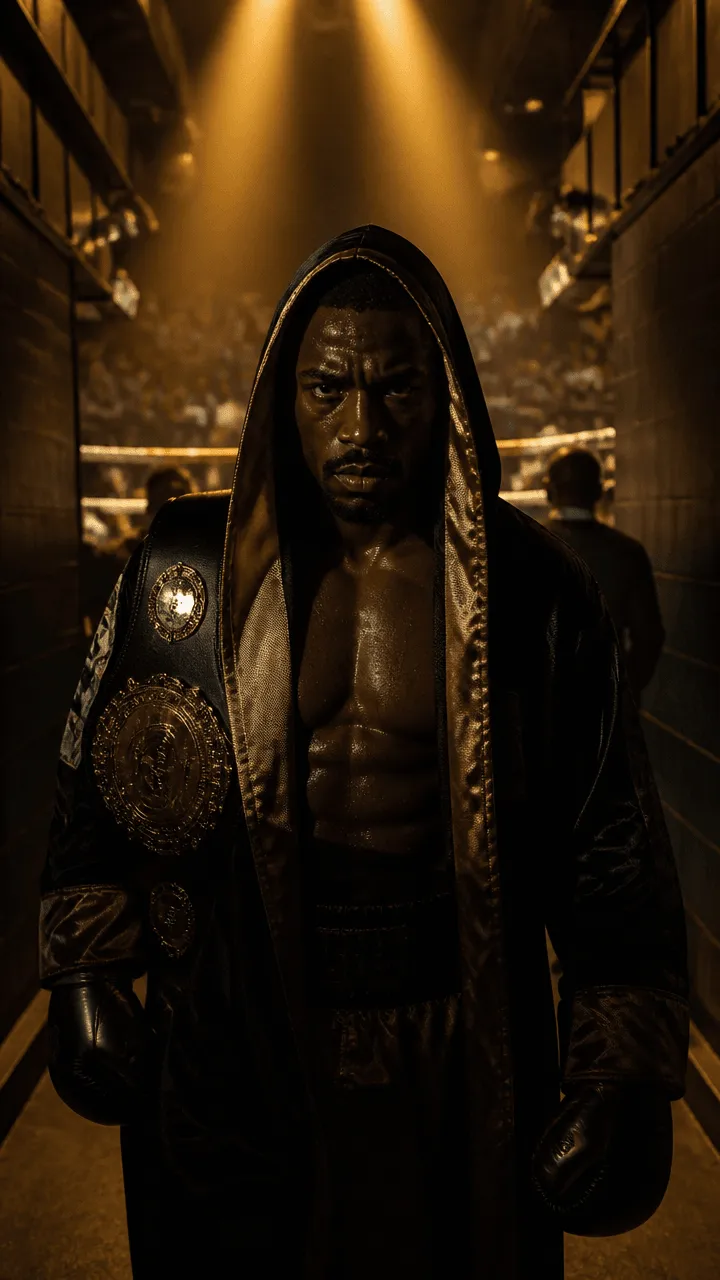

How it works
Upload one selfie
A single clear photo of the person's face. The engine is instructed to keep that face unchanged — the point of a tribute is that the gifter recognises themselves in it.
free
Pick the scene
86 TikTok presets: podium moments, transformations, fighters, racers, fantasy. Each one already carries the camera work, the lighting and the MVP card overlay — you choose the story, not the settings.
free
Generate the vertical video
Framed 9:16 for TikTok, with the MVP card composited over the final shot. It lands in your library ready to download and post.
250–340 credits
What it actually costs
Free presets
0 credits
47 of them · 1 trial video in total · carries a watermark
TikTok presets
250 or 340 credits
86 of them · no watermark on a paid plan
Signing up
15 credits
enough for images — not for a preset video
Pro plan
€9.99 / month
750 credits — about two or three preset videos
Said plainly: the 15 credits you get for signing up do not pay for a preset video. What lets you try the real thing for nothing is the free tier — one trial video in total, watermarked.
Questions streamers actually ask
How do I make an MVP video for my top gifter on TikTok Live?
+
Upload a selfie of the gifter, choose one of the 86 TikTok presets, and generate. The result is a vertical 9:16 video with their face in the scene and an MVP card over the final shot. It costs 250 or 340 credits depending on the preset, and takes a few minutes — not a live session.
Can I try it without paying anything?
+
Yes. There are 47 free presets and you can generate one trial video in total from them at no cost. It carries a watermark. The 15 credits you receive when you sign up are separate and cover images, not a preset video.
Will the gifter's face actually look like them?
+
That is the whole design of these presets — every one instructs the engine to keep the uploaded face exactly as it is, and only build the world around it. A tribute where the person cannot recognise themselves defeats the purpose.
Do I need video editing skills?
+
No. The camera movement, lighting and the MVP card are already part of the preset. You supply a photo and pick a scene; there is no timeline to edit and nothing to install.
Is the video vertical, for TikTok?
+
Yes — the TikTok presets are framed 9:16 from the start, not cropped down from a wide video afterwards. It posts as-is.
How many videos can I make on the Pro plan?
+
Pro is €9.99 a month for 750 credits. At 250 to 340 credits per preset video, that is roughly two or three of them a month, plus whatever images you generate alongside.
Can I use it for something other than gifter tributes?
+
The same presets work for any face you have permission to use — a birthday post for a moderator, a welcome clip for a new follower, or your own face for channel intros. Only upload photos of people who agreed to it.
Try it on a free preset first
One trial video is free and carries a watermark. That is enough to see whether your audience reacts before you spend anything.
Create a free accountSigning up gives you 15 credits and access to the 47 free presets.