Text to image
Describe the subject, composition, style and light. No photograph is required.

Create images from text or adapt photographs with ByteDance Seedream 5.0 Flash. Choose 1K or 2K, set the format and explain what should change and what should stay.
 BYTEDANCE· official model
Base prices; plan allowances and discounts are calculated in the studio. Source: KIE, checked 29 September 2026. KIE · Seedream 5.0 Flash
Describe the subject, composition, style and light. No photograph is required.
Order images and assign each a role: subject, setting, product or style.
Choose one of eight supported ratios. Flash does not generate video or audio.
Check faces, hands, products and text: fidelity is not guaranteed.
| Quality | 1K · Basic | 2K · High |
|---|---|---|
| Output resolution | 1K | 2K |
| Credits per image | 10 | 15 |
| Suggested use | Drafts and social media | Detail and final compositions |
Trigger: Describe the result in Image Studio and select Seedream 5.0 Flash.
Rules & Constraints: No sample photograph is added.
Trigger: Upload references and explain each image’s role in order.
Rules & Constraints: Image Studio accepts 9 images; Prompt Creator accepts 8. The provider API allows up to 10.
Subject + composition + style + light + essential details.Image 1: product. Preserve shape and colors; replace only the background.Put exact wording in quotes, define its position and check spelling.Create without references.
A blue ceramic cup on a light wood table, three-quarter view. Soft side light, beige background, natural shadows, no text.
Use your own product photograph.
Use the product from image 1. Keep its shape, color and label. Replace the background with a pale grey studio and diffused light. Add no accessories.
Premium presets run on the Seedance 2.5 engine — upload a selfie and an AI director shoots a 3-act blockbuster starring you. From 15 seconds to 1:30.
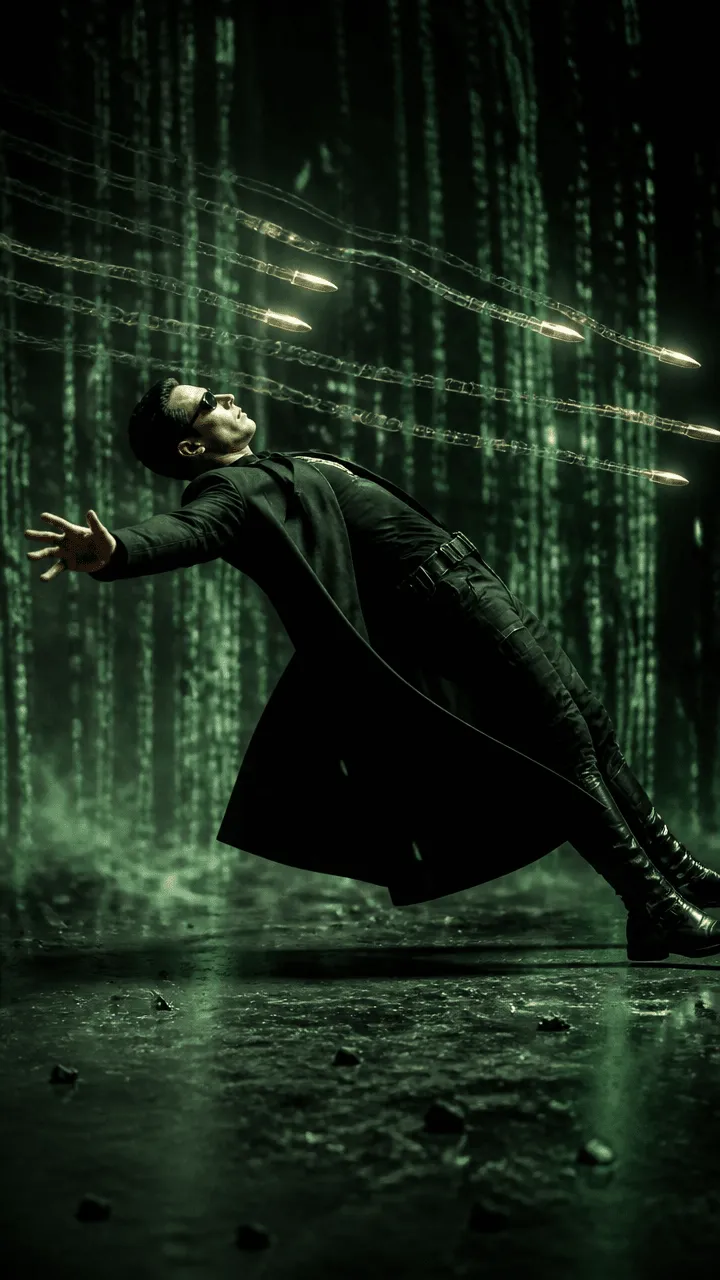 ⚡ 2.5
⚡ 2.5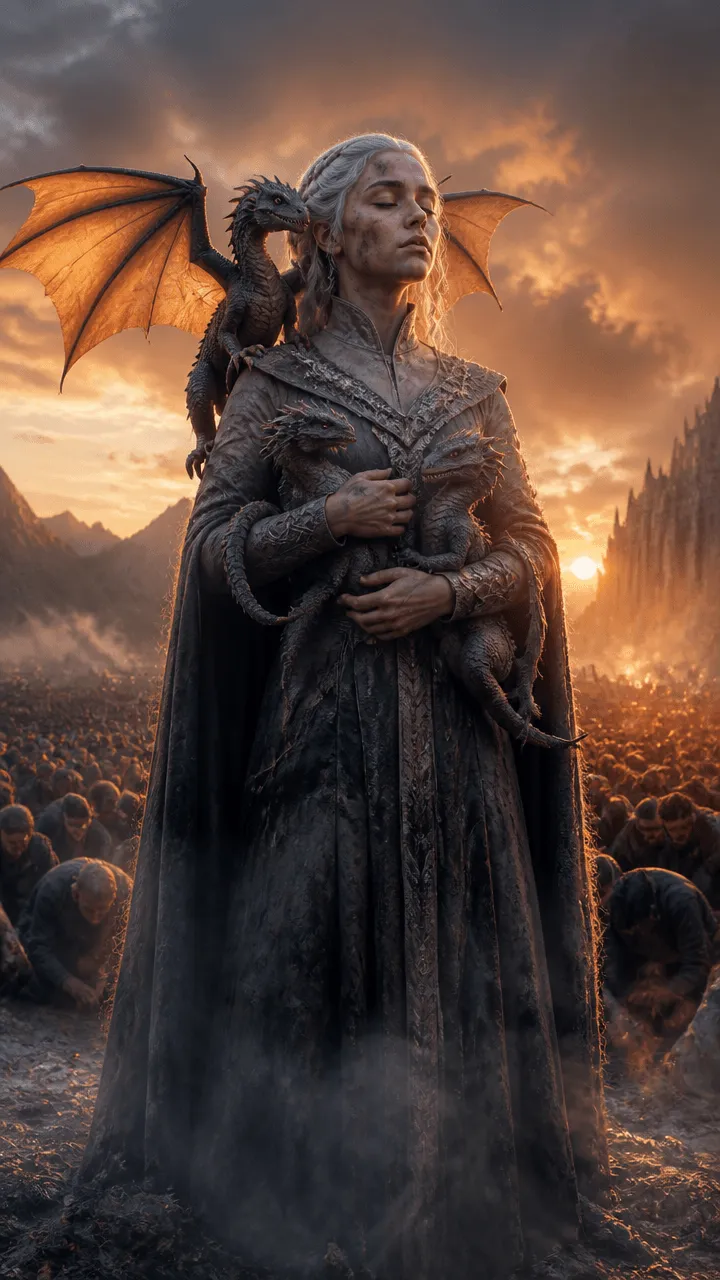 ⚡ 2.5
⚡ 2.5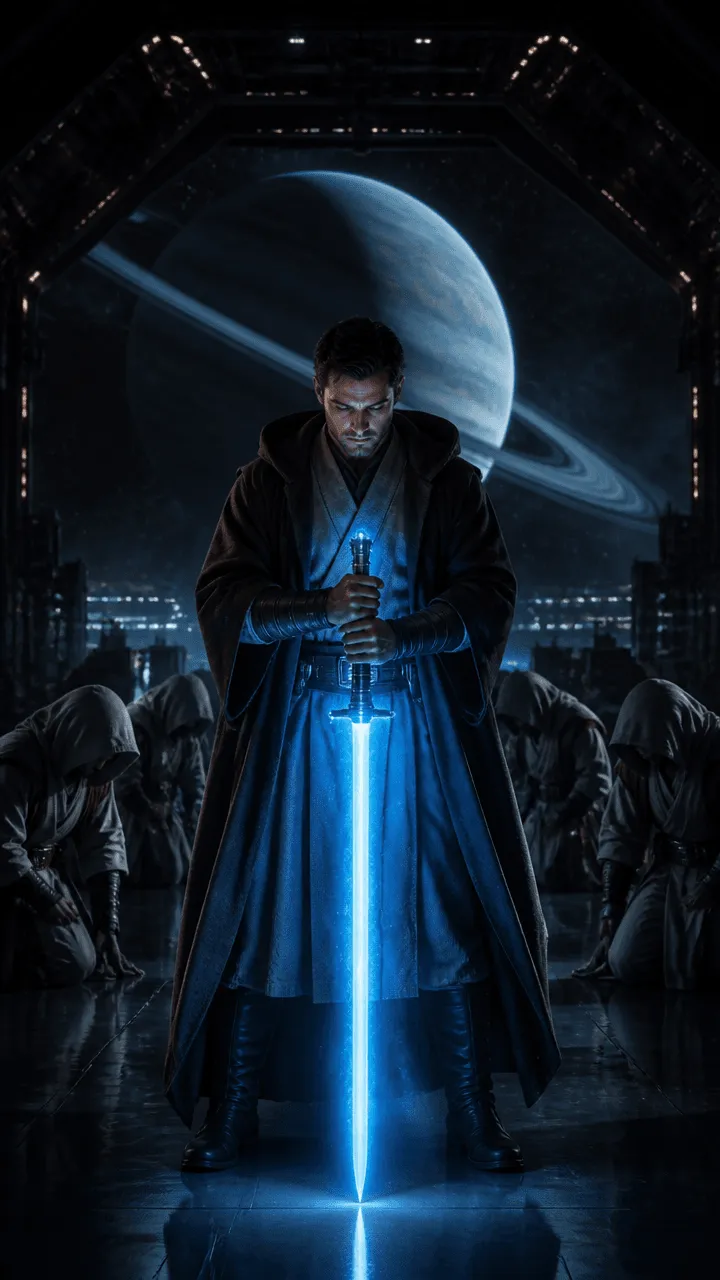 ⚡ 2.5BYTEDANCEBYTEDANCE
 xAI
xAI KUAISHOUKUAISHOU
 GOOGLE
 ALIBABABYTEDANCE
 OPENAIGOOGLEGOOGLE
 WANALIBABA